

Node.js Security Release, October 2026: What to Do
Contents9
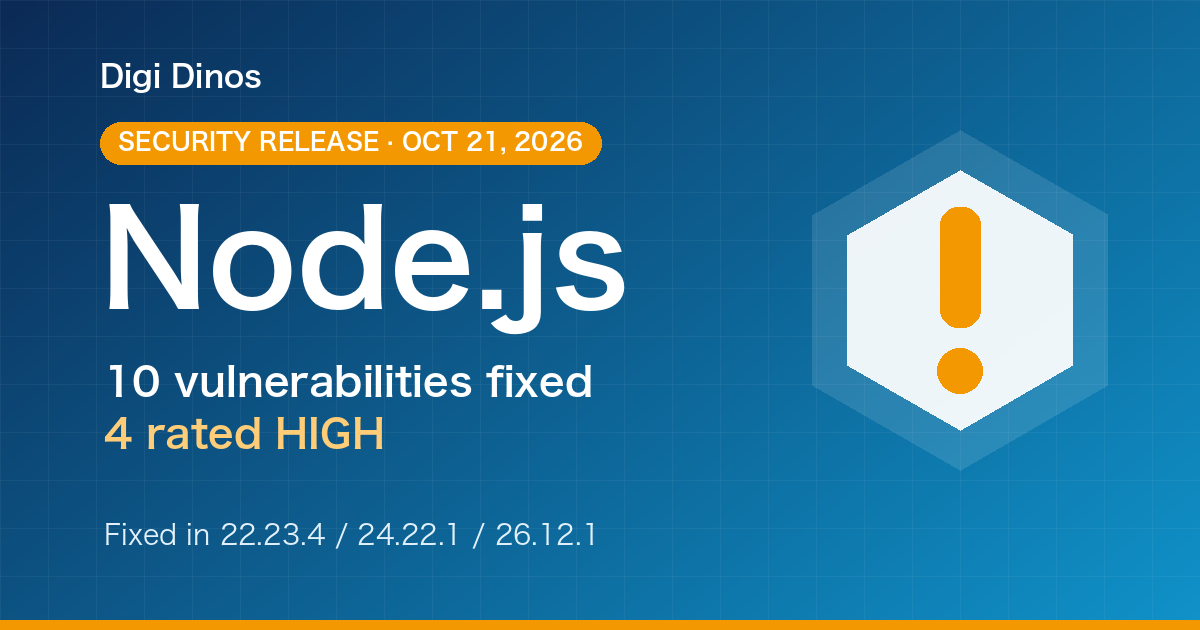
On 21 October 2026 the Node.js project released security updates for its 22.x, 24.x and 26.x lines. They fix 10 vulnerabilities, 4 of them rated High.
This guide is for business owners and managers without an IT background: how to check whether you are affected, what to ask your developer, and what to do if the company that built your system can no longer be reached.
Key takeaways
- On Node.js 22, 24 or 26? Update to the fixed release (22.23.4, 24.22.1 or 26.12.1) or later.
- On Node.js 20 or older? No fix will be released. You need to upgrade to a supported version.
- The official announcement lists no workaround. Updating to the fixed release is the remedy.
- Node.js 22 is scheduled to reach end of support on 30 April 2027. Start planning your next move now.
10
vulnerabilities fixed
4
rated High
3
release lines affected (22, 24, 26)
Two terms in plain words
Node.js is the platform that runs the "back end" (server side) of many websites, web apps and APIs.
A vulnerability is a weak spot in software that an attacker could use to break in.
What did the October 2026 Node.js release fix?
According to the official announcement, all three supported lines are affected. Here is where to go from the line you are on.
Node.js 26.x Update
Update to 26.12.1 or later.
Supported until 30 April 2029 (planned).
Node.js 24.x Update
Update to 24.22.1 or later.
Supported until 30 April 2028 (planned).
Node.js 22.x Update
Update to 22.23.4 or later.
Supported until 30 April 2027 (planned). Plan your move to 24 or later.
Node.js 20 or older EOL
No fix will be released.
You need to upgrade to a supported version (24 or 26 if you can).
Of the 10 fixes, 4 are rated High, 3 Medium and 3 Low. In plain terms, the four High-rated issues are:
Brotli decompression High
Specially crafted compressed data could let an attacker run code on your server.
Lines: 22, 24, 26 · CVE-2026-111497
TLS certificate check (1) High
Addresses written in full-width digits can bypass the check that confirms the server is genuine.
Lines: 24, 26 · CVE-2026-105483
TLS certificate check (2) High
Addresses that start with a zero can bypass the same check.
Lines: 22, 24, 26 · CVE-2026-106069
DNS lookups High
Names containing a special character can be cut short.
Lines: 22, 24, 26 · CVE-2026-105482
A CVE ID is the worldwide reference number for a vulnerability. It is handy when you talk to your developer.
There is no workaround: update
The announcement lists no workaround other than updating. It also states that end-of-life versions are always affected whenever a security release comes out. The older your version, the longer it stays exposed.
Five steps to check whether you are affected and act
- Find out whether you use Node.js
It may run behind your website, a business system or an app. If you are not sure, the quickest way is to ask your developer or maintenance provider: "Do we use Node.js?"
- Check the version
If you can log in to the server, the command
node -vprints something like "v22.23.3". The first number (22 here) is the release line. - Compare with Figure 1
If your version is older than the fixed release, you need to update. On 20 or older, you need to plan an upgrade.
- Try the update in a test environment
Switch to the fixed release somewhere other than production and check that everyday work still runs: screens, data entry, emails.
- Update production and plan ahead
Switch production over at a quiet time. At the same time, plan the move to the next line before your current one reaches end of support.
Only used to build your front end?
Some projects use Node.js only to build the front end, not on the server. Even then, it is a good idea to keep that version up to date.
Node.js support dates and what to do for each version
Each Node.js line has a fixed end-of-support date, after which no more fixes are released. The official schedule is below (dates may change).
| Line | Status | End of support | What to do now |
|---|---|---|---|
| Node.js 26 | Supported | 30 April 2029 (planned) | Update to 26.12.1 or later |
| Node.js 24 | Supported | 30 April 2028 (planned) | Update to 24.22.1 or later |
| Node.js 22 | 6 months left | 30 April 2027 (planned) | Update to 22.23.4 or later and plan a move to 24+ |
| Node.js 20 | EOL | 30 April 2026 (ended) | No fix. Upgrade required |
| Node.js 18 and older | EOL | Ended (18 on 30 April 2025) | No fix. Upgrade soon |
EOL (end of life) means end of support.
On a timeline, the dates look like this:
- Node.js 18 reaches end of support
- Node.js 20 reaches end of support. No more fixes after this
- Security releases published (22.23.4, 24.22.1, 26.12.1)
- Node.js 22 reaches end of support (planned)
- Node.js 24 reaches end of support (planned)
- Node.js 26 reaches end of support (planned)
The release rhythm is changing
From Node.js 27, new major versions are planned to come once a year. How you choose a version will change a little, so it is worth deciding together with your maintenance provider.
Support dates for Java, Python, .NET and server operating systems are collected in our guide to securing legacy systems. For the Java alert of the same week, see the October 2026 Java alert.
Updating vs upgrading
Updating (patching)
Moving to a newer release within the same line, e.g. 24.22.0 → 24.22.1. Usually a small job.
Upgrading
Moving to a new line, e.g. 16 → 24. The libraries your code depends on usually need upgrading too, so the job tends to be bigger.
An upgrade typically goes like this:
Time and cost depend heavily on the size of the system and how old the version is. An assessment first gives you a clear picture of the whole job.
Leave it, or act?
If you leave it as it is
- The published weaknesses, including the 4 High ones, stay open
- On 20 or older, weaknesses found later will not be fixed either
- You end up investigating in a hurry after something happens
If you update and plan your upgrade
- All 10 weaknesses fixed in this release are closed
- You keep receiving fixes until the end-of-support date
- You can move at a pace that fits your budget and business
Questions to ask your developer or maintenance provider
- Which version of Node.js does our system use?
- When can we move to the October 2026 fixed release (22.23.4, 24.22.1 or 26.12.1)?
- Are any of the libraries we use outdated or risky?
- How will you check that everything works after the update?
- When does support end for our version, and what is the plan until then?
Common situations
The builder cannot be reached
First check that you hold the source code, the server and cloud logins, and the domain registration details. With these, another company can take over and investigate.
There is no documentation
Even without documents, reading the code shows what the system does. The feature list and data flows can be documented again along the way.
The person in charge has left
Simply noting which screens are used, by whom and for what work makes a handover much smoother.
"Too old to update"
Old versions can often be brought up to date by replacing libraries step by step. Before giving up, get a second opinion.
How Digi Dinos can help
Digi Dinos is a software company with offices in Vietnam and Japan. Over eight years we have delivered more than 150 projects, with a Japanese-speaking team.
- Taking over maintenance of existing systems in all major stacks: Node.js, Java, PHP, Python, Ruby, .NET and more.
- Fixing newly published vulnerabilities: when a release like this one appears, we check the impact and apply the fix.
- Full upgrades: language runtime, framework, server and operating system.
- No documentation? No problem. Even when the original vendor has gone and nobody understands the system, we read the code, rebuild the documentation and propose a complete plan.
- Lifetime warranty: if a defect turns up in anything we worked on, we fix it, with no end date for as long as your maintenance contract continues.
Not sure whether your Node.js is affected? Just ask.
We can check your version, apply the fix and plan the upgrade, even for systems with no documentation.
FAQ
I don't know whether we use Node.js.
Your developer or maintenance provider can tell you for certain. If you cannot reach them, we can find out for you from the source code and server details.
Will updating take our site or system offline?
There may be a few minutes to a few tens of minutes of downtime during the switch, but doing it at a quiet time keeps the impact small. Testing in a separate environment first is essential.
Can we keep running Node.js 20?
We don't recommend it. Node.js 20 reached end of support on 30 April 2026 and will not receive fixes like this one. New weaknesses found from now on will stay open.
How much will it cost?
It depends on the size and age of the system, so we assess it first and then quote. We explain the overall plan and cost in plain terms.
Related articles
PHP Vulnerability CVE-2026-109618 (PHP2shell): What to Do Now
PHP Upgrade Cost: Moving From PHP 5 or 7 to PHP 8
Taking Over a Legacy System With No Documentation
Java Vulnerabilities, October 2026: IPA Alert and Licence Changes
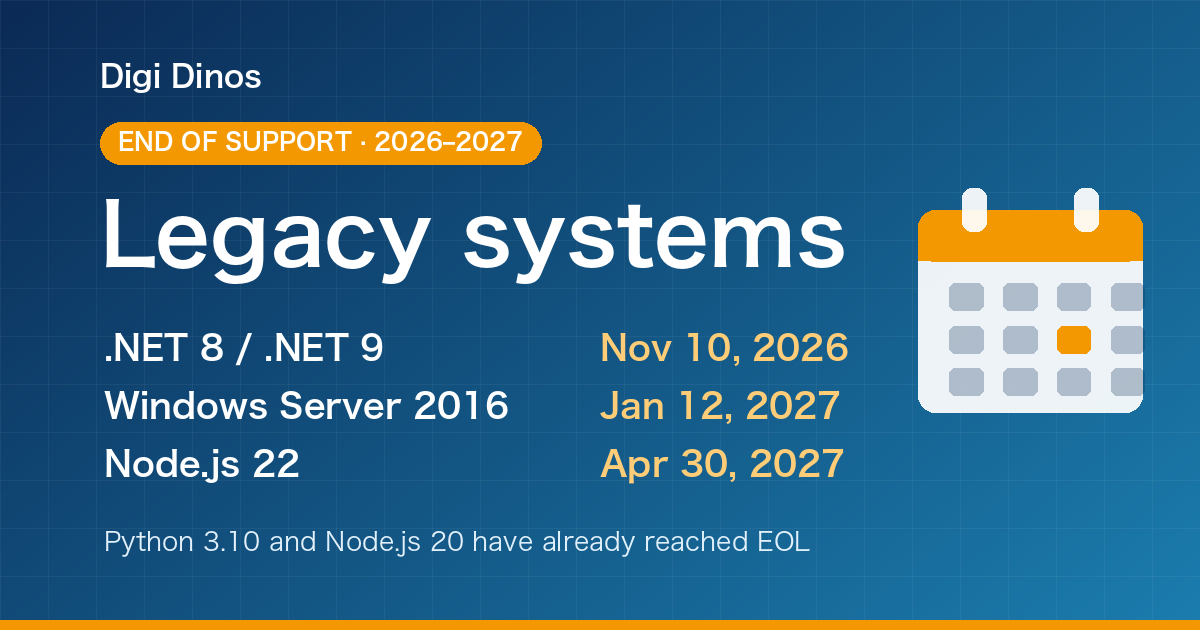
Securing Legacy Systems: Where to Start (2026 EOL Guide)

Superior Features of ChatGPT 4o (4 Omni)

What Is Digital Transformation? Definition, Roadmap and Examples

The Secret to Happiness!

What Is an IT Comtor? Role, Skills and How It Differs from a BrSE