

Securing Legacy Systems: Where to Start (2026 EOL Guide)
Contents7
"Our system is old. Is it still safe?" If you are asking yourself this, the first step is to list what is running and compare each part with its end-of-support date. Tackle what has already expired or is about to, and you can make progress safely without wasted effort.
This guide is for owners and managers without an IT background: what to do first, and in what order.
Key takeaways
- Start with a list of what is running, and compare it with support dates.
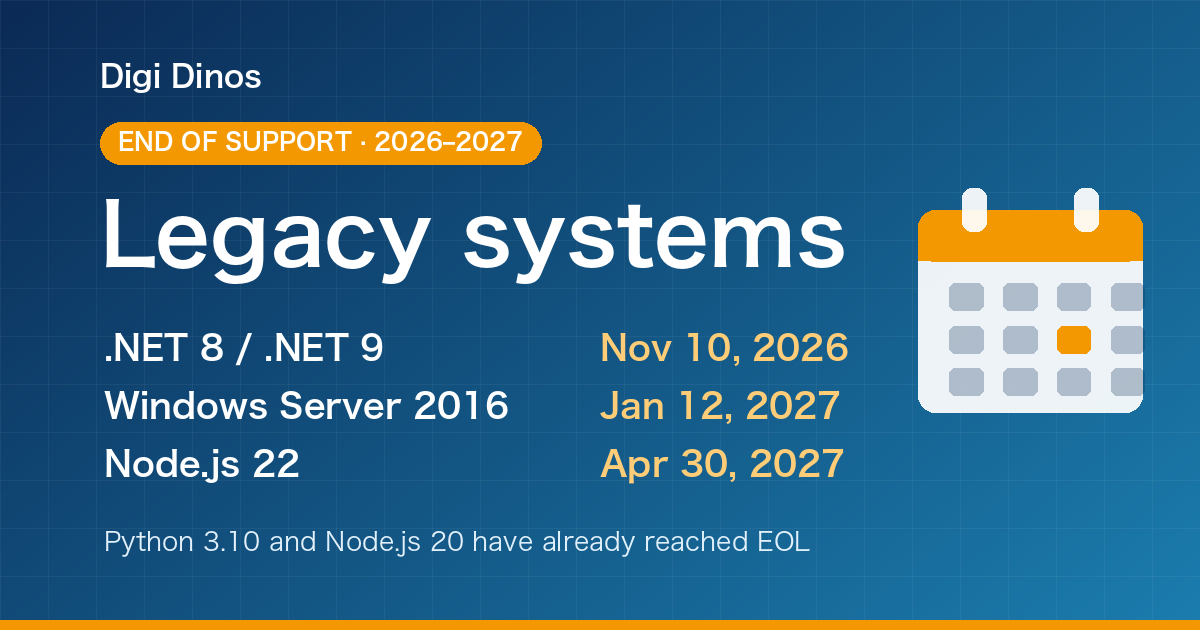
- .NET 8 and .NET 9 reach end of support on 10 November 2026, and Windows Server 2016 on 12 January 2027.
- Python 3.10, Node.js 20, CentOS 7 and others are already out of support.
- You do not have to change everything at once. Start with systems that are public, out of support, or handle personal data.
- Even with no documents and no original developer, reading the code reveals how a system works.
10 Nov
.NET 8 and 9 end of support (2026)
12 Jan
Windows Server 2016 end of support (2027)
6 steps
from inventory to action
Two terms in plain words
A vulnerability is a weak spot in software that an attacker could use to break in.
End of support (EOL) means the maker stops releasing fixes. New weak spots found after that date will not be fixed.
Why are old systems risky?
A system runs on several layers stacked on top of each other. When any one layer goes out of support, the whole system is at risk.
When any of them goes out of support, these problems become likely:
No more fixes
New vulnerabilities are found, but no fix is released.
Connections break
Links to payments, email delivery and other services stop working with newer components.
Fewer people can help
Skilled people become scarce, and when trouble hits there is no one to turn to.
"It works" does not mean "it is safe"
A system can look perfectly normal while the parts inside it are long out of date.
Key end-of-support dates for 2026–2027
We focused on software common in small and mid-sized companies (from official sources; dates may change).
| Type | Name and version | End of support | Status |
|---|---|---|---|
| OS | CentOS 7 | 30 June 2024 | EOL |
| Runtime | .NET 6 | 12 November 2024 | EOL |
| Runtime | Python 3.9 | October 2025 | EOL |
| Runtime | Ruby 3.2 | April 2026 | EOL |
| Runtime | Node.js 20 | 30 April 2026 | EOL |
| Runtime | Oracle JDK 21 (free-use updates) | September 2026. Later updates generally need a paid subscription | EOL |
| Runtime | Python 3.10 | October 2026 | EOL |
| Runtime | .NET 8 and .NET 9 | 10 November 2026 | Soon |
| OS | Windows Server 2016 | 12 January 2027 | Soon |
| Runtime | Ruby 3.3 | End of March 2027 (planned) | Planned |
| Runtime | Node.js 22 | 30 April 2027 (planned) | Planned |
Dates for Microsoft products (.NET, Windows Server) are in US time.
The deadlines still ahead, in order:
- .NET 8 and .NET 9 reach end of support
- Windows Server 2016 reaches end of support
- Ruby 3.3 reaches end of support (planned)
- Node.js 22 reaches end of support (planned)
Node.js and Java both had major security updates in October 2026. See the Node.js security release and the October 2026 Java alert for details.
Where to start: six steps
Here is the overall flow. Rather than changing everything at once, it is safest to start with the riskiest parts.
2. Compare with support dates
5. Plan the upgrade
6. Review regularly
- List what is running
For each system, write down the items in the table below. Ask your developer or maintenance provider about anything you don't know.
- Compare with support dates
Add an end-of-support date next to each item. You can find them in the table above or on each vendor's official page.
- Set priorities
Decide by whether a system is public, whether it is out of support, and whether it handles personal data or payments (Figure 3).
- Shore up defences now
Apply available fixes, stop exposing unused features, and so on. Start with what costs nothing.
- Plan the upgrade
Move the OS, language and framework to newer versions, in this order: assess, switch in a test environment, check it works, switch production, monitor.
- Review regularly
Even where support has time left, review the list regularly so the next deadline doesn't catch you out.
Your list should include items like these:
| Item to record | Example |
|---|---|
| System name, and the team and work that use it | Order management (sales), member website |
| Server operating system | CentOS 7, Windows Server 2016 |
| Language and version | Java 8, Python 3.9, .NET 6 |
| Framework | Spring, Django, Rails, ASP.NET |
| Database | MySQL, PostgreSQL, SQL Server |
| Where it runs | Own server, rental server, cloud |
| End-of-support date | Check each vendor's official page and add it |
Use these guidelines to set priorities:
High Act now
Public on the internet and out of support. Handles customer personal data or payments.
Medium Plan within months
Public, and support ends within a year. Internal only, but out of support.
Low Review regularly
Plenty of time left before end of support.
The quick defences in step 4 are:
- Apply any available fixes (patches) first.
- Stop exposing unused screens and features, and anything that does not need to be public.
- Check that backups exist and can actually be restored.
- Review admin passwords and who has access.
These are stopgaps
They do not make out-of-support software safe to run for long. Carry on to step 5 and plan the upgrade.
Leave it, or act?
If you leave it as it is
- New weaknesses cannot be fixed
- Links to outside services may stop working one day
- When trouble hits, there is no one to turn to
If you make a list and act in order
- You can see at a glance where the risks are
- You fix the riskiest parts first, within budget
- You are ready for the next deadline, without panic
No documentation, and the original developer is gone?
With old systems, these worries are very common:
The builder cannot be reached
They went out of business or staff changed, and there is no one to ask.
There are no documents
No specifications, or ones so old they no longer help.
The person in charge left
Nobody in the company understands how the system works any more.
There is no need to give up. Reading the code shows what a system does. Along the way, the feature list, screen list and data flows can be documented again. To get started, check that you have the following:
- The source code
- Administrator logins for servers and cloud accounts
- Domain (website address) registration details
- Database backups
- Contracts for outside services (email delivery, payments, etc.)
Vulnerability information is also on JVN
JVN, run jointly by JPCERT/CC and IPA, publishes vulnerability information. But judging whether an issue affects your system takes someone who knows what is inside it.
How Digi Dinos can help
Digi Dinos is a software company with offices in Vietnam and Japan. Over eight years we have delivered more than 150 projects, with a Japanese-speaking team.
- Taking over maintenance of existing systems in all major stacks: PHP, Java, Node.js, Python, Ruby, .NET and more.
- Fixing newly published vulnerabilities: when a new weakness is announced, we check the impact and apply the fix.
- Full upgrades: language runtime, framework, server and operating system.
- No documentation? No problem. Even when the original vendor has gone and nobody understands the business logic, we read the code, rebuild the documentation and propose a complete plan.
- Lifetime warranty: if a defect turns up in anything we worked on, we fix it, with no end date for as long as your maintenance contract continues.
Don't even know what is running? That's fine.
From your source code and server details, we build the inventory, set priorities and plan the upgrade with you.
FAQ
It works fine. Why not leave it alone?
Working and being safe are different things. Once support ends, new weaknesses cannot be fixed. Systems that are public on the internet especially should be dealt with early.
We want an inventory but know nothing about our systems.
With the source code and server details, we can investigate and build the list for you, and report what is running and where the risks are in plain language.
Do we have to replace everything at once?
No. The usual approach is to start with the riskiest parts. We propose a step-by-step plan that fits your budget and business.
How much will it cost?
It depends on the size and age of the system, so we assess it first and then quote.
Sources
- Microsoft, ".NET and .NET Core Support Policy"
- Python Developer's Guide, "Status of Python versions"
- Ruby, "Ruby Maintenance Branches"
- Node.js release schedule (nodejs/release)
- Oracle, "Oracle Java SE Support Roadmap"
- Microsoft, "Windows Server 2016 - Microsoft Lifecycle"
- Red Hat, "CentOS Linux EOL"
Related articles
PHP Vulnerability CVE-2026-109618 (PHP2shell): What to Do Now
PHP Upgrade Cost: Moving From PHP 5 or 7 to PHP 8
Taking Over a Legacy System With No Documentation
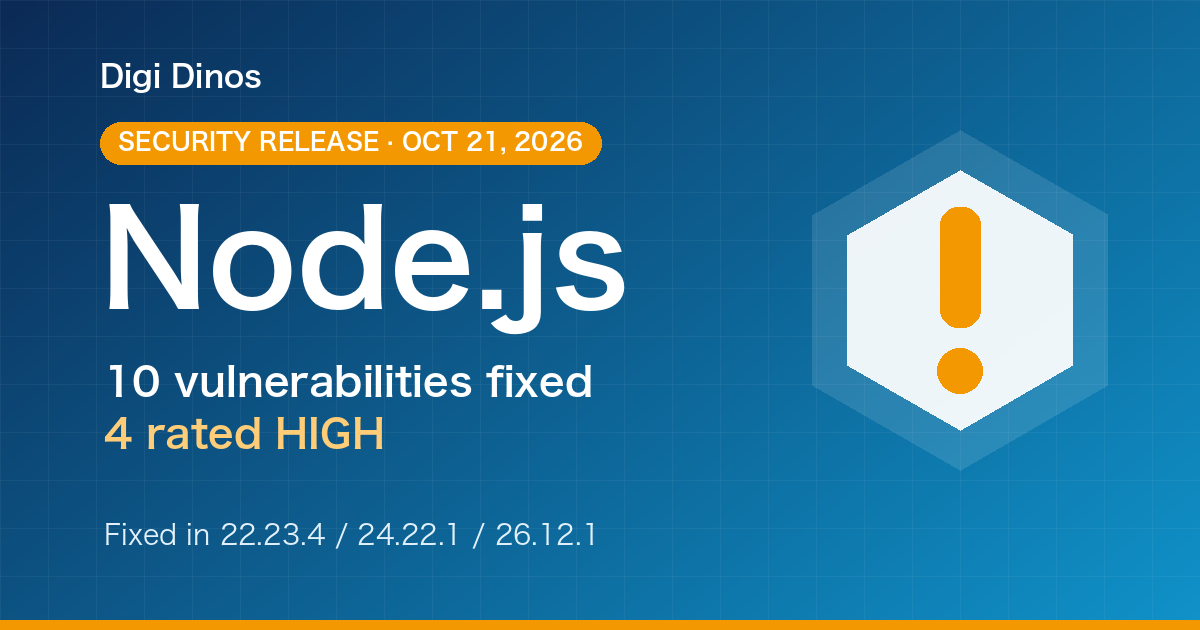
Node.js Security Release, October 2026: What to Do
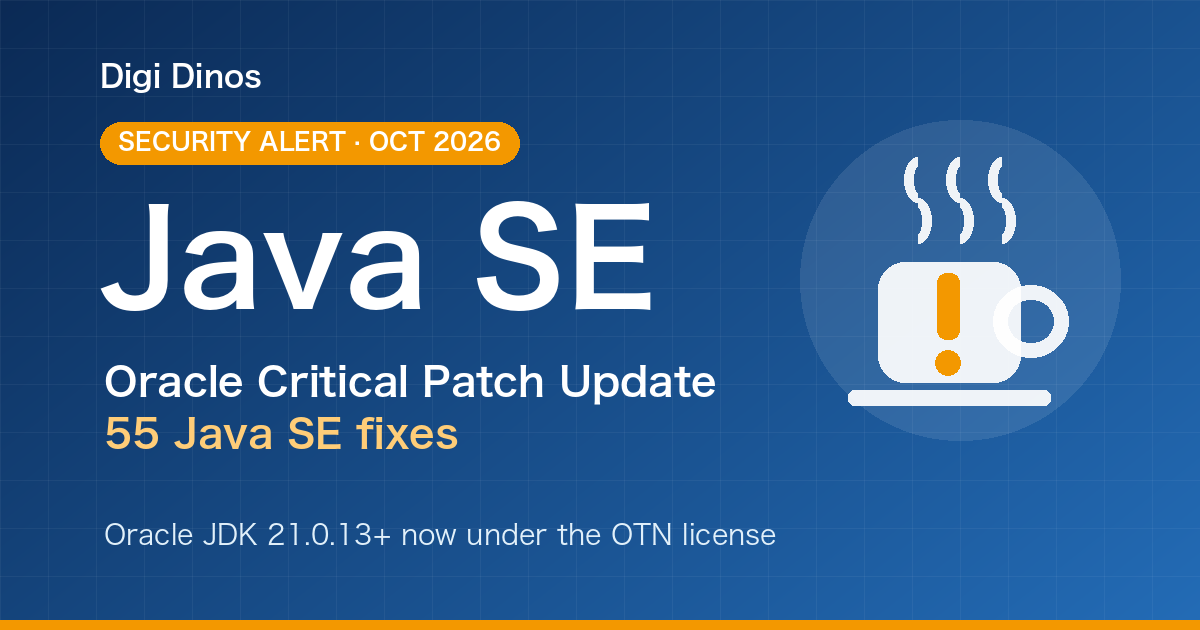
Java Vulnerabilities, October 2026: IPA Alert and Licence Changes

Superior Features of ChatGPT 4o (4 Omni)

What Is Digital Transformation? Definition, Roadmap and Examples

The Secret to Happiness!

What Is an IT Comtor? Role, Skills and How It Differs from a BrSE