Microsoft November 2026 Updates: Exploited Outlook Flaw and KBs
Contents8
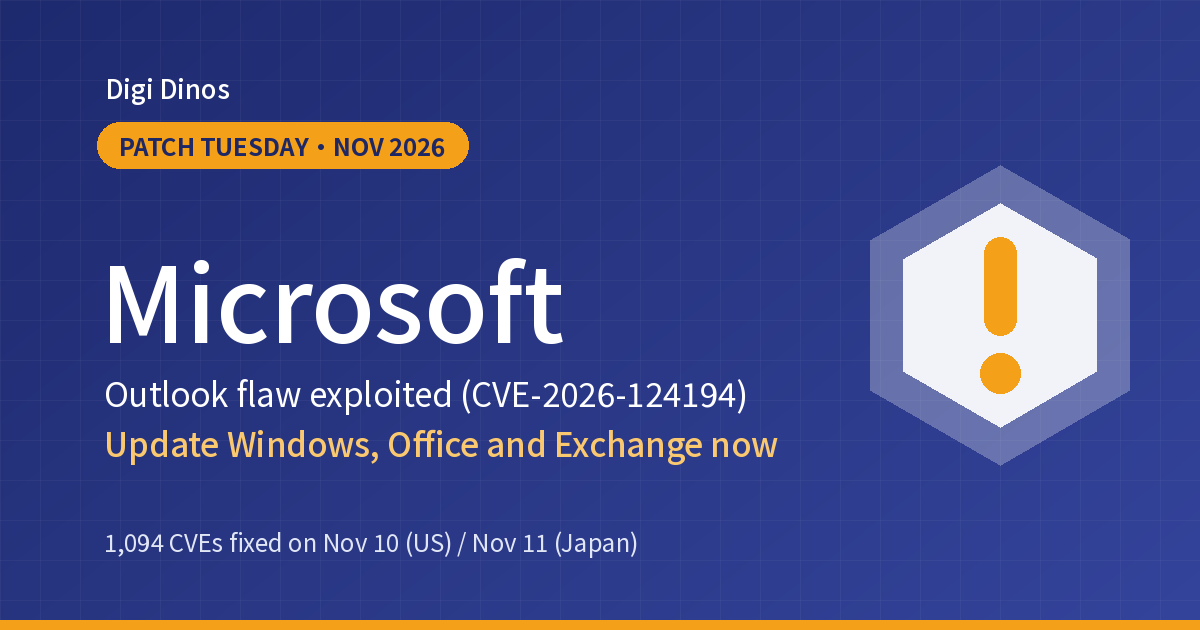
On 10 November 2026 (11 November in Japan), Microsoft released its monthly security updates. They cover 1,094 vulnerabilities in Microsoft products, including Windows, Office, Exchange Server and SQL Server. One of them, an Outlook flaw (CVE-2026-124194), is already being used in attacks.
Japan's IPA and JPCERT/CC issued alerts the same day, urging organisations to update quickly. This article covers what to check first this month, the update numbers for each product, and the steps to update your PCs and servers.
Key points
- In Outlook, opening a crafted file can send information that works like a password (an NTLM hash) to the attacker. This is being exploited.
- On servers, flaws in LDAP, Windows Search (via Exchange) and others that can be attacked without logging in are fixed.
- For Windows, you can confirm an update is installed by its KB number and the build number it brings.
- Windows 10, Office 2016 and 2019, and Exchange 2016 and 2019 reached end of support in October 2025.
1,094
Vulnerabilities in Microsoft products (MSRC release notes)
1
Known to be exploited (Outlook)
64
Rated Critical (our count from Microsoft's published data)
Terms used here
Monthly security updates: fixes Microsoft releases on the second Tuesday of each month (US time). In Japan it is Wednesday.
KB: the number given to an update, such as "KB5132061".
NTLM: an older Windows system for checking logins. If its "hash" is stolen, an attacker may be able to log in as you.
KEV: CISA's public list of vulnerabilities that attackers are known to have used.
The exploited Outlook flaw
According to Microsoft, CVE-2026-124194 works like this. An attacker sends a crafted message file. When the user opens it in Outlook, Outlook connects to a server the attacker controls, without the usual warning. This can hand the user's NTLMv2 hash to the attacker, who can use it to log in as that user.
- Microsoft rates it Moderate, with a CVSS score of 6.5. The number is not high, but real attacks have been seen.
- The user has to open the file. Microsoft says the Preview Pane is not an attack vector.
- CISA added it to KEV on 10 November and gave US federal agencies until 24 November to act.
| Product | Fixed build |
|---|---|
| Microsoft 365 Apps for Enterprise | The latest build for each update channel (see Microsoft's list of Office security releases) |
| Office LTSC 2024 | 16.0.17932.21140 |
| Office LTSC 2021 | 16.0.14334.21048 |
Exploitation status (as of 13 November 2026)
Microsoft marks the flaw as "Exploitation Detected" but has not said how widely it is used or who was targeted. We found no official information about damage in Japan. None of this month's vulnerabilities were publicly disclosed before the release.
Alongside the update, the following general measures also help. Microsoft did not list them for this flaw; they are common defences against attacks that steal NTLM hashes.
- Block outbound file-sharing traffic (SMB, TCP port 445) to the internet at the firewall
- Remind staff not to open unexpected attachments or message files
- Don't read everyday email with administrator accounts
Server flaws to fix first
None of these are known to be exploited yet. We picked the ones that can be attacked without logging in, or that Microsoft rates "Exploitation More Likely".
| Vulnerability | Affects | CVSS | Notes |
|---|---|---|---|
| CVE-2026-119958 | Windows LDAP (Active Directory and others) | 9.8 | No login needed Crafted LDAP calls may run code |
| CVE-2026-116928 | Windows Search (as used by Exchange Server) | 9.8 | No login needed Sending an email with a crafted attachment is enough; the recipient doesn't need to open it |
| CVE-2026-119952 | Schannel (the encryption component) | 8.1 | No login needed Exploitation More Likely |
| CVE-2026-118207 | Exchange Server | 8.8 | Ordinary user rights Exploitation More Likely |
| CVE-2026-118146 | Active Directory Domain Services | 8.8 | Ordinary user rights Exploitation More Likely |
| CVE-2026-119961 | IIS (web server) | 8.1 | Check servers that host websites |
Note: Outlook also gets fixes for code execution flaws that can be triggered through the Preview Pane (CVE-2026-110043 and others).
Updates (KBs) by product
These are the updates and resulting build numbers for the main products, taken from Microsoft's published data. If the build shown by the winver command is this number or newer, the update is installed.
| Product | KB | Build after update |
|---|---|---|
| Windows 11 24H2 / 25H2 | KB5132061 | 26100.9974 / 26200.9974 |
| Windows Server 2025 | KB5131080 | 26100.33822 |
| Windows Server 2022 | KB5131090 | 20348.5870 |
| Windows Server 2019 | KB5131085 | 17763.9487 |
| Windows Server 2016 | KB5131291 | 14393.9688 |
| Windows 10 22H2 (with Extended Security Updates) | KB5131096 | 19045.7846 |
| Exchange Server Subscription Edition | KB5133453 | 15.02.2562.057 |
| SQL Server 2025 / 2022 | KB5129299 / KB5129300 | Fixes for CU10 / CU27 |
Note: Windows Server 2025 also has a "hotpatch" version that needs fewer restarts. For SQL Server, the update you need depends on your servicing path (CU or GDR).
Five steps to respond
- List your PCs and servers
Note the Windows version, the type of Office, and whether you run Exchange Server or SQL Server. If you deploy updates through Windows Update, Intune or WSUS, check their status too.
- Update PCs that use Outlook first
Because the flaw is being exploited, update Office quickly. For Microsoft 365 Apps, check that automatic updates have not been turned off.
- Update internet-facing servers
Prioritise Exchange Server, IIS and domain controllers. If you have a test environment, install there first and check that everything works.
- Restart
IPA notes that a restart may be needed after updating. Putting it off leaves the fix inactive.
- Confirm the updates installed
Compare build numbers with the table above. For machines that failed, find the cause and install manually.
Watch out for unsupported products
These products reached end of support on 14 October 2025. They get no update this month, or only with a paid extension.
| Product | Status |
|---|---|
| Windows 10 | End of support Updates only with an Extended Security Updates (ESU) subscription |
| Office 2016 / 2019 | End of support Not in this month's list for the Outlook fix |
| Exchange Server 2016 / 2019 | End of support This month only Subscription Edition is listed |
If you still run older products, see "security for old systems". For .NET, see ".NET 8 and 9 end of support".
Doing nothing vs. acting now
If you leave it
- Staff accounts may be taken over, exposing email and files
- Mail servers and domain controllers may be attacked from outside
- Unsupported products stay in use unnoticed
If you update every month
- Exploited flaws are closed quickly
- You can always say what is installed on which machine
- You can replace old products on a plan
Let Digi Dinos help
Digi Dinos supports companies with DX, security, and system operations and maintenance. We are ISO 27001 certified and offer server and cloud operations and 24/7 monitoring (NOC). Our team works with you in Japanese.
- Monthly update operations: we check, test, install and report on updates with a fixed procedure.
- Server inventory: we list Windows Server, Exchange and SQL Server versions and their support dates.
- Operations takeover: we can take over systems whose staff have left or that another company managed.
If a handover is the problem, see "taking over system maintenance".
Not sure this month's updates are covered? Just ask (free consultation)
From checking update status to setting up monthly operations, we guide you in Japanese.
Frequently asked questions
Does Microsoft 365 Apps update automatically?
By default, yes. But if an administrator has paused updates, or a PC hasn't been restarted for a long time, it may still be on an old build. Check the version under "Office Account" in Outlook.
Is it dangerous just to preview an email?
For the exploited CVE-2026-124194, Microsoft says the Preview Pane is not an attack vector. However, this month also fixes other flaws that can be triggered through the Preview Pane, so installing the update matters.
Has there been damage in Japan?
As of 13 November 2026, we found no official information about damage in Japan. That does not mean there has been none.
Sources (checked 13 November 2026)
- Microsoft: November 2026 Security Updates (release notes)
- Microsoft: CVE-2026-124194 Microsoft Outlook Spoofing Vulnerability
- IPA: Microsoft 製品の脆弱性対策について(2026年11月) (11 November 2026)
- JPCERT/CC: 2026年11月マイクロソフトセキュリティ更新プログラムに関する注意喚起 (11 November 2026)
- CISA: Known Exploited Vulnerabilities Catalog
- Microsoft: Office security releases
Related articles

OpenSSH CVE-2026-123158: Alpine Login Bypass and What to Do
Japan Data Breaches, Early November 2026: A Summary
Arara Message Breach Update: About 81 Million Email Addresses
SonicWall SSLVPN CVE-2026-19868: MFA Bypass and What to Do
Apache Tomcat Vulnerabilities, October 2026: 8 Flaws and Fixes
.NET 8 and 9 End of Support on 10 November 2026: What to Do
Movable Type Vulnerability JVN#91153973: Update or Mitigate Now
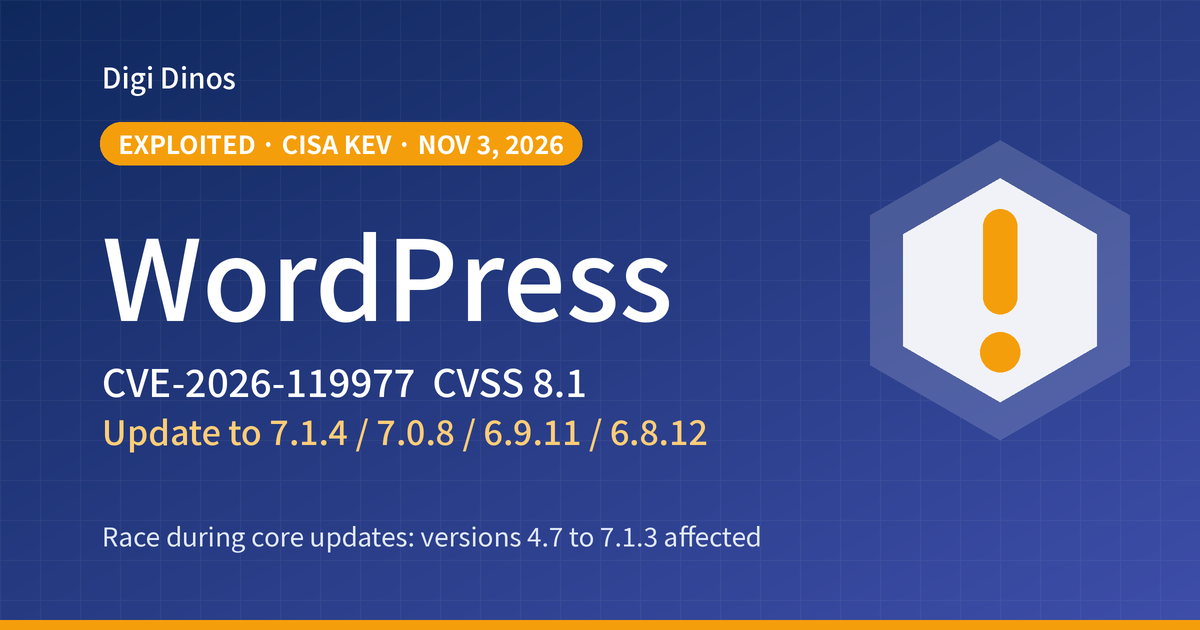
WordPress CVE-2026-119977: Listed as Exploited, Update Now

Japan Data Breaches, Oct–Nov 2026: What Companies Should Check
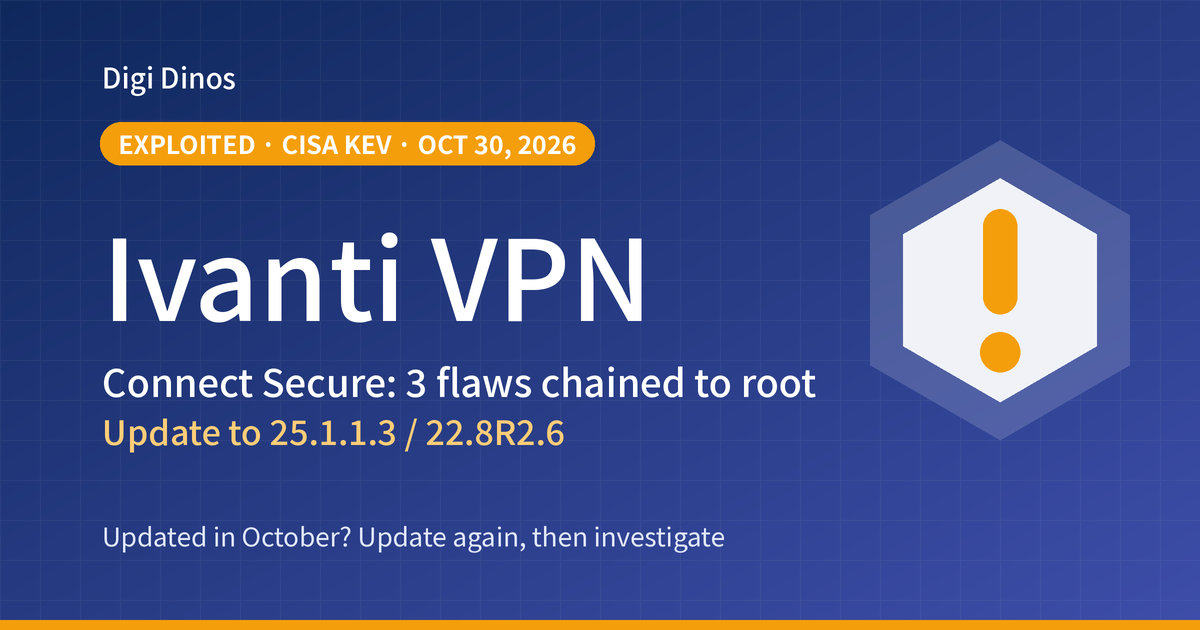
Ivanti Connect Secure Zero-Days: Update Again and Investigate
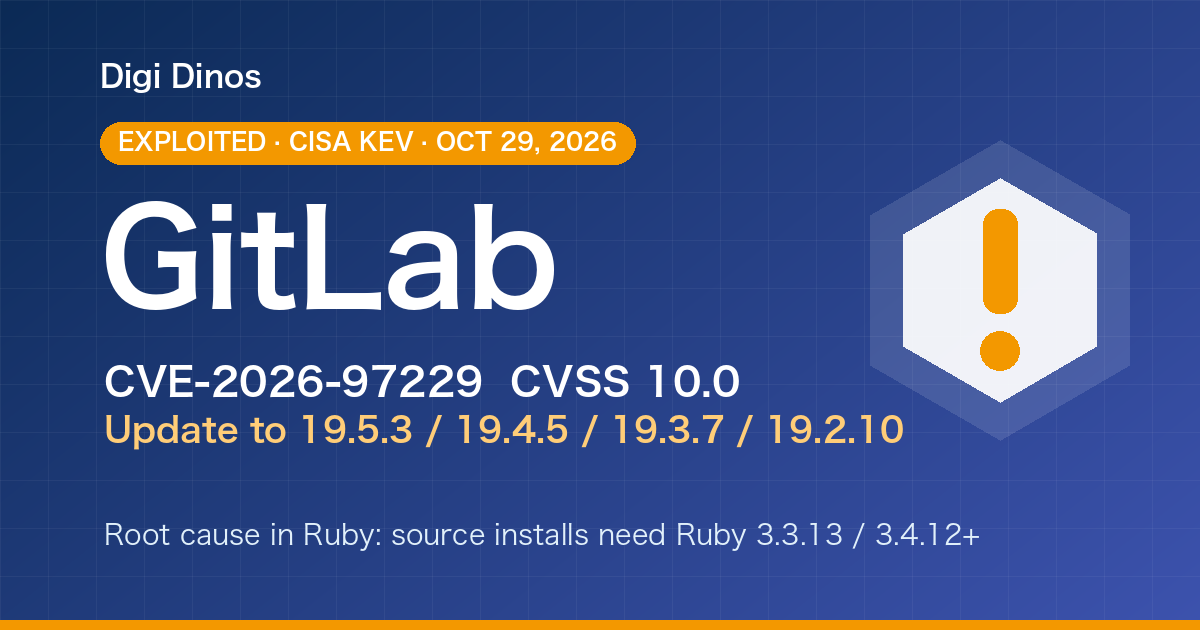
GitLab CVE-2026-97229 (CVSS 10): Exploited, Patch Now

Linux Kernel Fragnesia (CVE-2026-46300): Exploited, Patch Now

Brotli Vulnerability CVE-2026-111497 (HTTP2Shell): What to Do
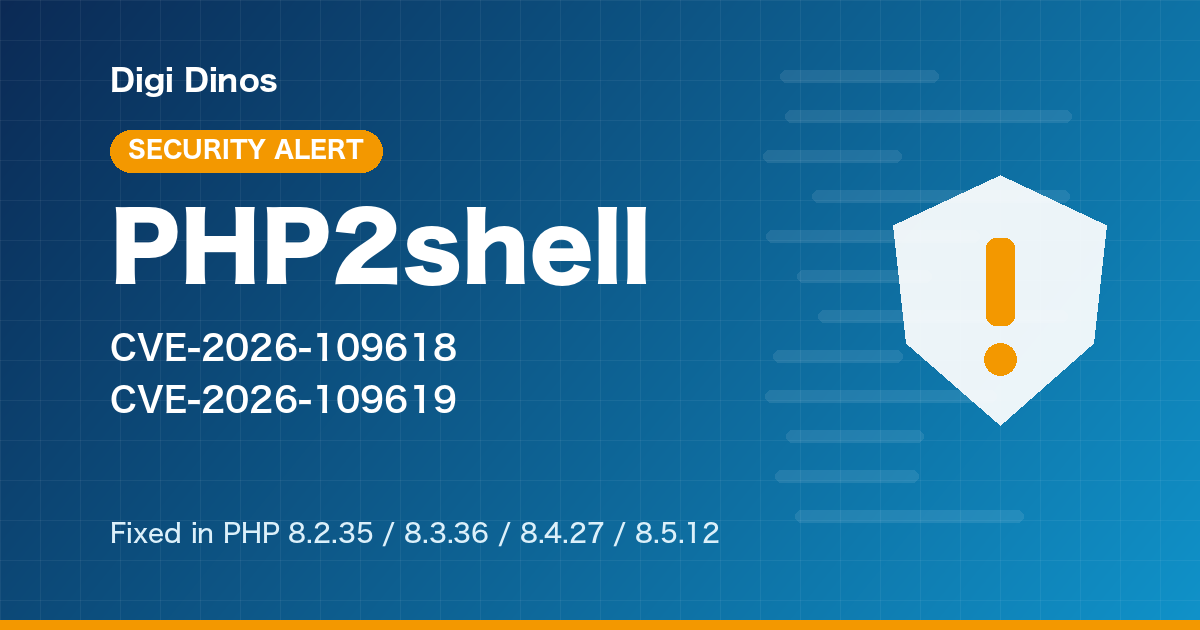
PHP Vulnerability CVE-2026-109618 (PHP2shell): What to Do Now
PHP Upgrade Cost: Moving From PHP 5 or 7 to PHP 8
Taking Over a Legacy System With No Documentation
Node.js Security Release, October 2026: What to Do
Java Vulnerabilities, October 2026: Security Alerts and Fixed Versions
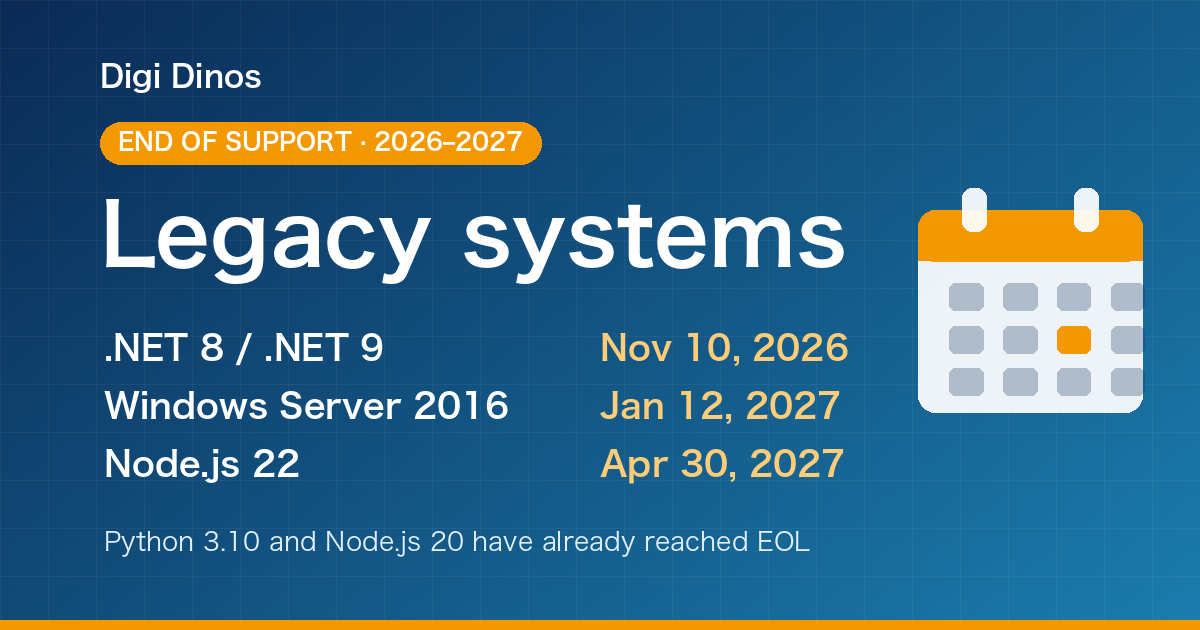
Securing Legacy Systems: Where to Start (2026 EOL Guide)

Superior Features of ChatGPT 4o (4 Omni)

What Is Digital Transformation? Definition, Roadmap and Examples

The Secret to Happiness!

What Is an IT Comtor? Role, Skills and How It Differs from a BrSE