Drupal CVE-2026-136716: Update Again, Check for Compromise
Contents7
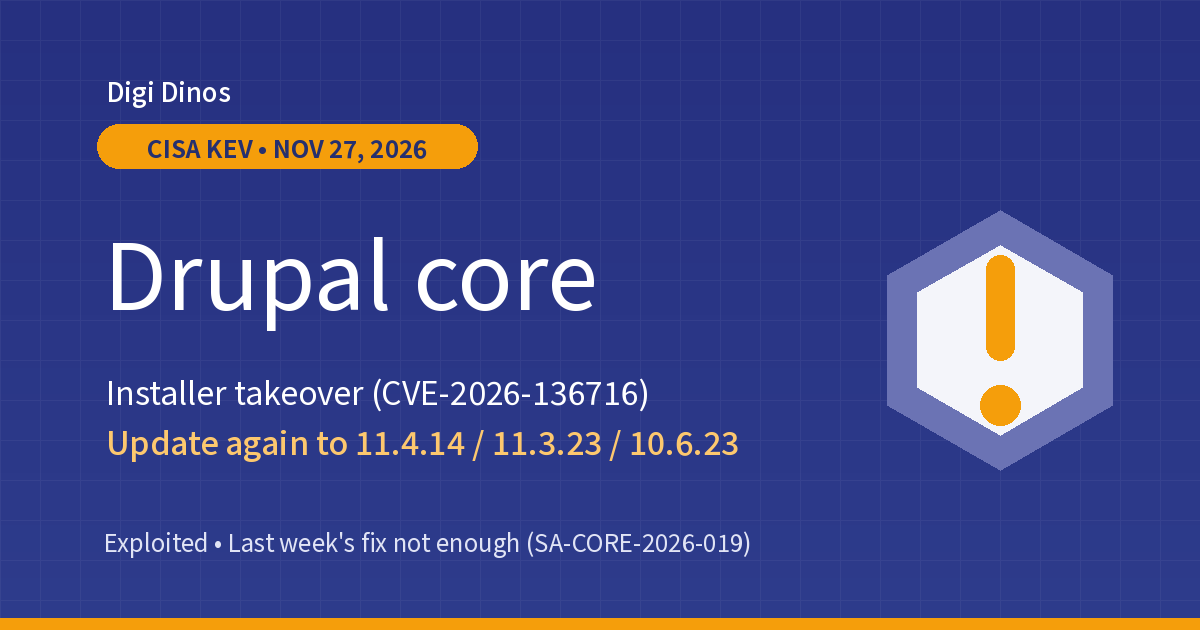
On 25 November 2026 (26 November JST), the Drupal Security Team released fixed versions for CVE-2026-136716, a new vulnerability in Drupal core (security advisory SA-CORE-2026-019). The problem is that even after the 18 November fix (SA-CORE-2026-017), sites in an "unusual state", such as an installation that seems to have stopped partway, could still be taken over through install.php. Drupal states that "This is being exploited in the wild", and on 27 November the US CISA added it to its list of "Known Exploited Vulnerabilities (KEV)".
This article follows up on "Drupal CVE-2026-132165: Installer RCE Exploited". According to Drupal's official checking procedure, simply updating to 11.4.13, 11.3.22 or 10.6.22 last week does not protect against this issue. You need to update again and check whether your site has been taken over.
Key points of this article
- Update to 11.4.14, 11.3.23 or 10.6.23 (released 25 November 2026). After updating, always run the database update (update.php) as well.
- Drupal asks sites where /core/install.php could be opened from outside on or after 18 November to check whether they have been taken over.
- The only sites that were protected were sites that had blocked (or deleted) install.php and sites using Drupal Steward protection. They still need to update.
- Updating does not clean up a site that has already been taken over. The official procedure is to check before running the database update.
21/25
Risk score of SA-CORE-2026-019 (Drupal's own rating, Highly critical)
9.8
CVSS score CISA gave CVE-2026-136716 (maximum 10)
30 November
Deadline CISA set for US federal agencies (added 27 November)
Terms explained
install.php = the file used when Drupal is first set up (/core/install.php). It is not used once setup is finished.
user 1 = the first account created in Drupal, an administrator account with the strongest permissions.
update.php = the mechanism that brings the database in line with the new version after you update Drupal (drush updatedb does the same).
Drupal Steward = an official Drupal service that stops known attacks before they reach the site. It is used through hosting companies and similar providers.
What happened? Why last week's update was not enough
According to SA-CORE-2026-019, SA-CORE-2026-017 fixed several vulnerabilities in the installer. However, sites in an "unusual or incomplete installation state" could still be taken over after that. Drupal says this includes sites running in production.
The tricky part is that this state is not shown anywhere in the admin screen. Drupal's checking procedure says that "A production site that has worked normally for years can still be affected". Also, a site that has already been taken over may no longer be in this state. In other words, "not affected now" does not prove "not taken over".
CISA's KEV description states that an attacker can take over a site through an exposed installer without logging in (without authentication).
Exploitation status (as of 28 November 2026)
In SA-CORE-2026-019, Drupal clearly states: "This is being exploited in the wild", and says that "Any site that left its installer remotely accessible following SA-CORE-2026-017 may still have been compromised". CISA added CVE-2026-136716 to the KEV catalog on 27 November and asked US federal agencies to respond by 30 November and to carry out a "forensic check" to determine whether they had been compromised. Its use in ransomware attacks is listed as "unknown".
The official information we checked does not describe the specific attack method (what kind of requests are sent). On the other hand, Drupal has published an official procedure for investigating compromise (updated 26 November). We did not find any entry covering this issue in the IPA and JPCERT/CC lists of alerts (checked 28 November).
Affected versions and fixed versions
| Version in use | Last week's fix (017) | This fix (019) | Security support |
|---|---|---|---|
| Drupal 11.4.x | 11.4.13 | 11.4.14 | Until April 2027 |
| Drupal 11.3.x | 11.3.22 | 11.3.23 | Until December 2026 (when 11.5.0 is released) |
| Drupal 10.6.x | 10.6.22 | 10.6.23 | Until December 2026 (when 11.5.0 is released) |
| Drupal 11.2.x and earlier, 10.5.x and earlier, 8, 9 | No fixed version (out of support) | Ended | |
Note: Support periods are based on the release notes of each fixed version. No fixed versions are released for versions that are out of support, so Drupal advises upgrading to a supported version and keeping the installer blocked until then.
The new fixed versions also change the following (from the release notes).
- Errors such as "Theme hook field not found" that appeared with last week's fixed versions (on sites using Search API and similar modules) have been fixed.
- Twig (the template component) has been updated to 3.31.1, to address several published CVEs.
- A security update for Symfony (a component Drupal uses) was released on the same day, but it is not included in these fixed versions. Drupal recommends updating Symfony as well.
First steps: block install.php, check, then update
Drupal's official checking procedure ("Checking whether your site was compromised through the installer") recommends the order below. This is because if you run the database update first, the values used for checking are overwritten.
- Block install.php now
This closes the hole faster than updating. For Nginx, add
location ^~ /core/install.php { return 404; }; for Apache, add<Location "/core/install.php"> Require all denied </Location>to the server configuration. For details on what to watch out for when blocking, see the table in the earlier article. - Save the logs and look for signs of compromise
With some hosting, logs are deleted within a few days. First make a copy, then go through the "Points to check" below.
- Update to a fixed version
Move to 11.4.14, 11.3.23 or 10.6.23, for example with
composer update "drupal/core-*" --with-all-dependencies. Once the code is updated, this attack stops working. - Run the database update and note the time
Run
/update.phpordrush updatedb. One of the updates in it (system_post_update_mark_installation_finished) fixes sites in the unusual state. Writing down the time you ran it helps with later checks. - Review user 1 and components
Check that the email address of user 1 is one your company controls, and consider changing the password. Also update Twig, Symfony and Composer (
composer self-update), and keep install.php blocked permanently.
Points to check whether your site has been taken over
We have summarized the main items in Drupal's official checking procedure. They apply to sites where /core/install.php could be opened from outside on or after 18 November (for multisite setups, check each site).
| Where to check | What to look at | Suspicious signs |
|---|---|---|
| Web server access logs | Requests to /core/install.php on or after 17 November | POSTs that returned 302 or 303, large responses, requests containing op= or id=, many requests from the same source in a short time, responses showing the "Choose language" or "Installing Drupal" screen |
| user 1 | drush user:information --uid=1 | An unfamiliar email address, a recent change date you cannot explain, the password no longer works |
| Administrator accounts | Filter by the administrator role under "People" in the admin screen | Administrators created on or after 18 November that you do not recognize |
| Site settings | The site email address, time zone, and where update notifications are sent | Changes to addresses you do not know |
| Installation state | drush state:get install_task, install_session_token, install_time | install_task is anything other than done (currently in a dangerous state). install_session_token has a value. install_time is recent even though the site is old |
| Files | The modified time of settings.php, .php files in the files directory | Changes to settings.php, two or more hash_salt lines, .php files outside files/php/twig/ |
There are a few points to note. An installed site normally returns 200 (an "already installed" screen of about 2 KB) for requests to install.php, so a 200 alone does not mean the site was compromised. Also, install_task being done does not prove the site is safe (because it also becomes done when an attack succeeds). Comparing with a backup from before 18 November is said to be the most reliable method.
If you find signs of compromise, Drupal warns: "Updating and resetting user 1 does not clean up a compromised site." In its testing, a backdoor, a changed hash_salt and an attacker's administrator account all remained after both steps. You need to take steps such as taking the site offline (or keeping the installer blocked), saving logs and data, rebuilding the code from a trusted source, restoring the database from a backup made before the attack, and changing all secrets (database passwords, hash_salt, API keys and so on).
What if you leave it? What if you act?
If you stay on last week's update
- Sites in the unusual state could still be taken over without logging in
- Even if the site has already been taken over, you cannot tell from the admin screen
- Backdoors could remain, which could lead to tampering or data theft
If you block, check and update
- The attack path using install.php is closed
- You can judge whether the site was compromised by following the official procedure
- The error in last week's versions (Theme hook … not found) is fixed too
Leave it to Digi Dinos
Digi Dinos is a company that supports DX, security, and system operations and maintenance. We hold ISO 27001 certification, and we also handle server and cloud operations and 24/7 monitoring (NOC). We also update PHP web systems and take over sites built by other companies.
- Current-state check: We check your Drupal version, whether install.php is blocked, and whether there are suspicious signs in logs and accounts.
- Update implementation support: We proceed with testing in a test environment, the database update, and updates to components such as Symfony, following a fixed procedure and schedule.
- Operations handover: We can also take over the operation of sites that have no one to update them after the contract with the web production company has ended.
Even just a question like "We updated last week, but is our Drupal OK?" is welcome (free consultation)
We can help with everything from checking versions to planning the update.
Frequently asked questions
I updated to 11.4.13 last week. Do I need to update again?
Yes. Drupal's checking procedure says that updating to 11.4.13, 11.3.22 or 10.6.22 did not protect against this issue (SA-CORE-2026-019). Update to 11.4.14, 11.3.23 or 10.6.23, and run the database update as well.
I had blocked install.php. Do I need to do anything?
Drupal says: "If you have already secured the installer, you are not vulnerable." However, if you blocked it after 18 November, you need to check the period before that. Even if you were protected, you still need to update.
My access logs show many requests to install.php. Has my site been taken over?
That alone does not mean it has. According to Drupal, every site receives many automated requests to install.php. 403 and 404 are safe, and a 200 of about 2 KB is the normal "already installed" screen. If there are POSTs that returned 302 or 303, or large responses, investigate in more detail.
What should I do with a Drupal 9 or 8 site?
They are out of support, so no fixed versions will be released. First block install.php and carry out the checks above, then plan a move to a supported version (11.4 or later) as soon as possible.
References (checked on 28 November 2026)
- Drupal, "Drupal core - Highly critical - Access bypass - SA-CORE-2026-019" (25 November 2026)
- Drupal, "Checking whether your site was compromised through the installer" (updated 26 November 2026)
- Drupal, "Securing the installer (install.php)" (updated 27 November 2026)
- Drupal, "drupal 11.4.14" release notes (11.3.23 and 10.6.23 released the same day)
- Drupal, "Drupal core - Highly critical - Remote code execution - SA-CORE-2026-017" (18 November 2026)
- CISA, "Known Exploited Vulnerabilities Catalog: CVE-2026-136716" (added 27 November 2026)
- CVE, "CVE-2026-136716" (CISA's CVSS and exploitation status assessment)
- IPA: Important Security Information (FY2026), JPCERT/CC: Alerts (2026)
Related articles
Node-RED CVE-2026-58115: Unauthenticated Instances Exploited
Apache Tomcat Vulnerabilities, November 2026: 11 Flaws and Fixes
Drupal CVE-2026-132165: Installer RCE Exploited
VMware vCenter CVE-2026-123890: Authentication Bypass

What Is GEO? Getting Recommended by AI Search and AI Agents
PHP Vulnerabilities, November 2026: 7 Critical Flaws and Fixes
GitLab Vulnerabilities, November 2026: Update to 19.6.1
Java4Shell (CVE-2026-114938): Who Is Affected and How to Fix It
NGINX Vulnerabilities: HTTP/2 RCE and Version 1.30.7
Check Point CVE-2026-123039: Exploited with PHP2Shell
Microsoft 365 Outage, November 2026: Cause and Recovery
Microsoft November 2026 Updates: Exploited Outlook Flaw and KBs
OpenSSH CVE-2026-123158: Alpine Login Bypass and What to Do
Japan Data Breaches, Early November 2026: A Summary
Arara Message Breach Update: About 81 Million Email Addresses
SonicWall SSLVPN CVE-2026-19868: MFA Bypass and What to Do
Apache Tomcat Vulnerabilities, October 2026: 8 Flaws and Fixes
.NET 8 and 9 End of Support on 10 November 2026: What to Do
Movable Type Vulnerability JVN#91153973: Update or Mitigate Now
WordPress CVE-2026-119977: Listed as Exploited, Update Now
Japan Data Breaches, Oct–Nov 2026: What Companies Should Check
Ivanti Connect Secure Zero-Days: Update Again and Investigate
GitLab CVE-2026-97229 (CVSS 10): Exploited, Patch Now
Linux Kernel Fragnesia (CVE-2026-46300): Exploited, Patch Now
Brotli Vulnerability CVE-2026-111497 (HTTP2Shell): What to Do
PHP Vulnerability CVE-2026-109618 (PHP2shell): What to Do Now
PHP Upgrade Cost: Moving From PHP 5 or 7 to PHP 8
Taking Over a Legacy System With No Documentation
Node.js Security Release, October 2026: What to Do
Java Vulnerabilities, November 2026: Versions to Install
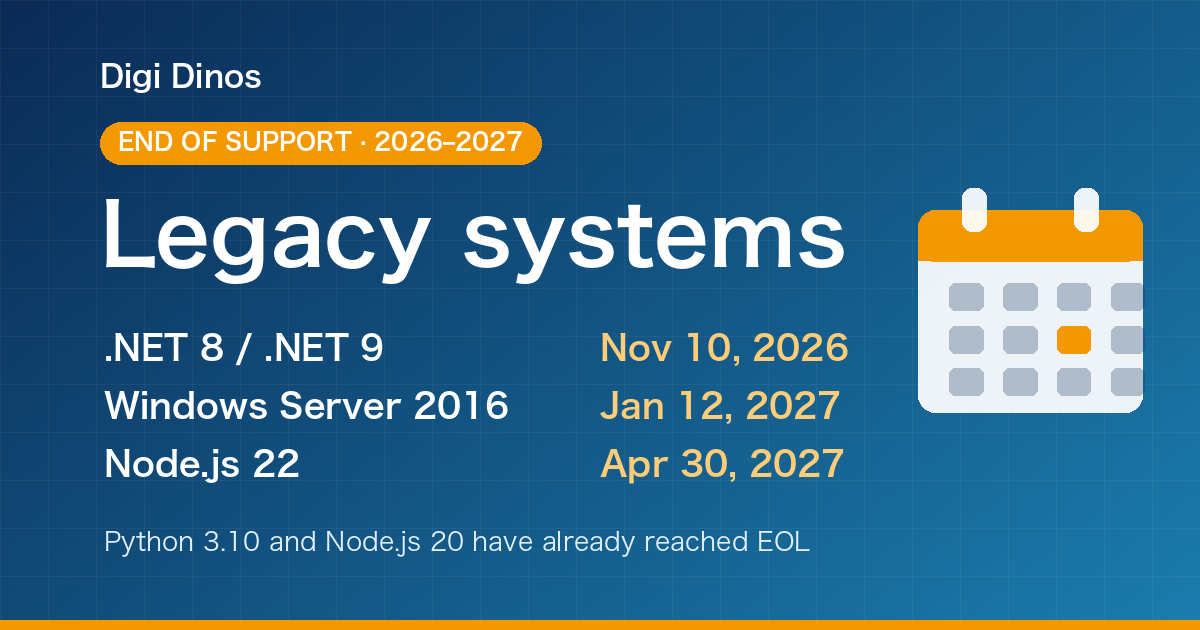
Securing Legacy Systems: Where to Start (2026 EOL Guide)

Superior Features of ChatGPT 4o (4 Omni)

What Is Digital Transformation? Definition, Roadmap and Examples

The Secret to Happiness!

What Is an IT Comtor? Role, Skills and How It Differs from a BrSE