
GitLab CVE-2026-97229 (CVSS 10): Exploited, Patch Now
Contents8
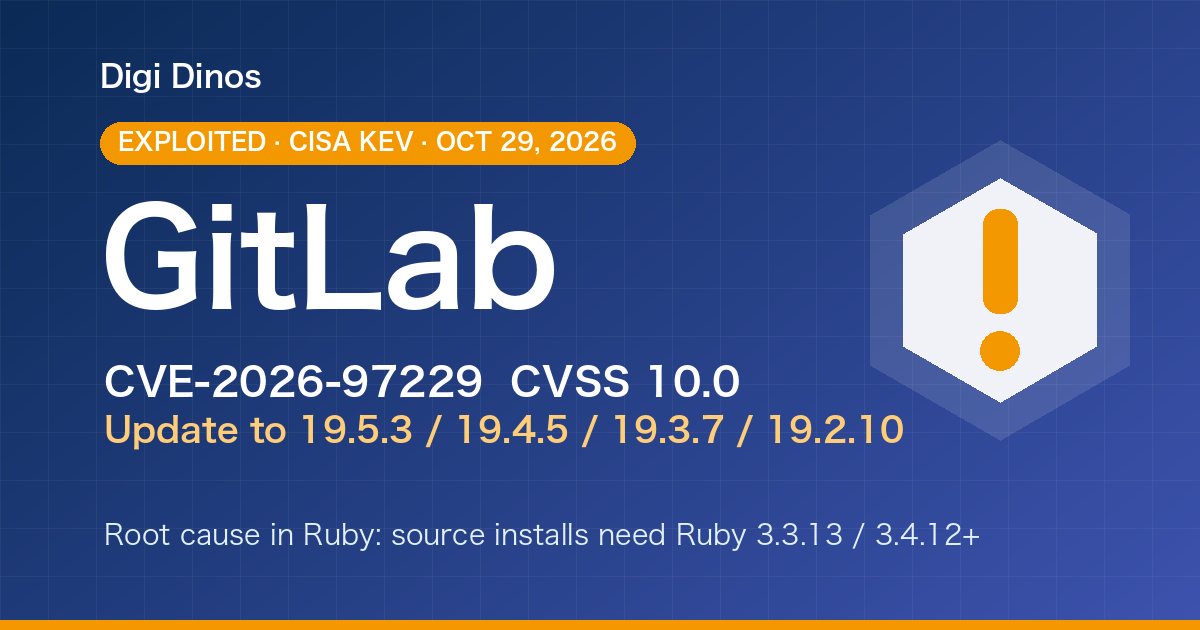
On 29 October 2026 the US cybersecurity agency CISA added GitLab vulnerability CVE-2026-97229 to its list of vulnerabilities known to be exploited in real attacks. It scores 10.0, the maximum. A fix has been out since 12 October, but servers that have not been updated are being targeted.
This article is for companies that run GitLab themselves and also for those whose source code sits on their development vendor's GitLab: what to check, and what to do, step by step.
Key takeaways
- You run GitLab on your own server → Update now to the latest release of your branch (as of 29 Oct 2026: 19.5.3 / 19.4.5 / 19.3.7 / 19.2.10 and others).
- You only use GitLab.com → GitLab has already patched it. Nothing to do.
- The root cause is inside Ruby, the programming language GitLab runs on. If you did not install GitLab from the official packages, Ruby needs updating too.
- On 21 October GitLab also fixed a second 10.0 flaw (CVE-2026-110264). The latest release fixes both.
10.0
CVSS score (maximum)
Exploited
Confirmed by CISA on 29 Oct
~26,000
Servers on vulnerable versions (worldwide, 13 Oct)
Terms used here
GitLab = a system that stores source code, lets a team work on it together, and tests and deploys it automatically. You can install it on your own server (self-managed) or use the cloud service, GitLab.com.
CI/CD = the automation that tests a program and puts it into production.
Vulnerability = a weak spot in a system that an attacker can use to get in.
What is the flaw, and why does it matter?
According to GitLab, a specially crafted "regular expression" (a text-matching pattern) placed in a CI/CD configuration file could let an attacker who is not logged in run any code they like on the GitLab server.
A GitLab server usually holds the following. If it is taken over, all of it can be stolen or altered at once.
Source code
The programs behind your services and business systems.
Production passwords and keys
For automatic deployment, server and cloud credentials are often stored in GitLab itself.
Staff and partner accounts
Email addresses, and the passwords of anyone who reuses them elsewhere.
Is it really "no login needed"?
GitLab and CISA both say no authentication is required. When Rapid7 reproduced it, though, the attacker first needed write access to a public project. The catch: on a GitLab where anyone can sign up, that condition is easy to meet. In the attack on Alpine Linux's GitLab, the attacker began by registering a new account.
Affected versions and where to move
Self-managed GitLab, both Community and Enterprise Edition, is affected. GitLab.com and GitLab Dedicated have already been patched by GitLab.
| Branch | Hit by CVE-2026-97229? | First fix | Recommended (as of 29 Oct) |
|---|---|---|---|
| 19.5 | Not listed | — | 19.5.3 or later |
| 19.4 | Yes | 19.4.2 (12 Oct) | 19.4.5 or later |
| 19.3 | Yes | 19.3.5 (12 Oct) | 19.3.7 or later |
| 19.2 | Yes | 19.2.8 (12 Oct) | 19.2.10 or later |
| 19.1 · 19.0 · 18.11 | Hit by another 10.0 | — | 19.1.10 / 19.0.11 / 18.11.14 or later |
| 18.10 and older | No fix | — | Upgrade to a supported branch |
※ Branches 19.1 and older are not listed for CVE-2026-97229. But CVE-2026-110264, also scored 10.0 and fixed on 21 October, affects almost every version from GitLab 7.0 onwards. The older your GitLab, the more urgent the update.
※ Some news reports give the 19.3 fix as "19.3.4". GitLab's official release says 19.3.5.
Updating GitLab may not be enough
The real bug is in the regular-expression engine of Ruby, the language GitLab runs on. GitLab ships the Ruby fix only in its official packages (Omnibus, the official Docker images and so on).
If you built GitLab from source or use an unofficial container, Ruby must also be updated to 3.3.13, 3.4.12 or 4.0.9 or later. Alpine Linux updated GitLab, was still vulnerable, and was attacked again on 25–26 October.
Timeline
- GitLab releases fixes (19.4.2 / 19.3.5 / 19.2.8)
- A security firm publishes a proof of concept. About 26,000 servers are still on vulnerable versions
- Alpine Linux's GitLab is attacked
- Fix for a second 10.0 flaw (CVE-2026-110264), also backported to older branches 18.11–19.1
- Ruby releases fixes (3.3.13 / 3.4.12 / 4.0.9)
- CISA adds it to the Known Exploited Vulnerabilities list. GitLab ships its latest releases (19.5.3 and others) the same day
Five steps to check and respond
- Find out where your GitLab runs
On your own server, in the cloud (AWS and so on), or GitLab.com? If a vendor looks after your code, it may live on their GitLab.
- Check the version
Sign in to GitLab and open "Help" → "Help" at the bottom of the left sidebar. The version (for example 19.4.1) is shown at the top.
- Update to the latest release of your branch
Go at least to the "Recommended" column above. If you did not use the official packages, check the Ruby version too.
- Look for signs of an attack
Review the logs from before and after the update: "502" errors right after requests to the CI configuration check (lint), GitLab worker processes restarting unexpectedly, or sign-ups you don't recognise.
- If anything looks wrong, rotate keys and passwords
Change passwords, the access tokens stored in GitLab and your production server credentials. Alpine Linux rebuilt its server, reset every user's password and replaced GitLab's secret keys.
Can't update right away?
Turn off open sign-up, stop strangers from creating or writing to public projects, and block access to the GitLab web interface from outside your company. These make an attack harder but do not fix the flaw. Use them only until you can update.
If your vendor holds your source code
Even if you don't use GitLab yourself, the company that built or maintains your system often manages your code on its own GitLab. It is worth asking them:
- Where is our source code stored (GitLab.com or your own server)?
- Has your GitLab been updated for CVE-2026-97229 and CVE-2026-110264?
- Do you store our production server or cloud passwords and keys in GitLab?
- Have you checked the logs for signs of an attack?
- Can we receive and keep our own copy of the latest source code?
If you can't reach your vendor, or don't have your source code, see "Taking Over a Legacy System With No Documentation".
Leave it, or act now?
If you leave it
- A 10.0 flaw that attackers are already using stays open
- Source code and production passwords can be taken in one go
- Damage can spread from GitLab to your production servers
If you update and check for traces
- Both 10.0 flaws are fixed at once
- You notice an intrusion early, if there was one
- You can tell partners it has been dealt with
How Digi Dinos can help
Digi Dinos is a software company with offices in Vietnam and Japan. Over 8 years we have delivered more than 150 projects. We develop on GitLab ourselves every day, and our team works in Japanese.
- GitLab updates and checks: version check, update, log review, key and password rotation.
- Taking over maintenance of existing systems: Ruby, PHP, Java, Node.js, Python, .NET and more.
- Responding to new vulnerabilities: when a fix like this one comes out, we assess the impact and apply it.
- No documentation? No problem: even when the original vendor is gone and nobody understands the system, we read the code, rebuild the documentation and propose a complete plan.
- Lifetime warranty: if a defect turns up in work we did, we fix it, with no time limit for as long as the maintenance contract continues.
Not sure your GitLab is safe? Free consultation.
From checking the version to updating and looking for traces of an attack, even if you can no longer reach your original vendor.
Frequently asked questions
We use GitLab.com. Do we need to do anything?
GitLab.com has been patched by GitLab, so there is nothing to update for this flaw. Keep the basics in place, though: no reused passwords, and two-factor authentication turned on.
Our GitLab is only reachable inside the office network. Is it still at risk?
If it can't be reached directly from the internet, the risk is much lower. But if a computer inside the company is compromised, GitLab can still be used as a stepping stone. Update it anyway.
Will GitLab go down during the update?
It may be unavailable for a few minutes to a few tens of minutes. Do it when the development team isn't working, and take a backup first.
We haven't updated GitLab in years.
Getting from an old version to the latest one means stepping through required intermediate versions in order. Backups and a plan matter; if in doubt, ask a specialist.
Sources
- GitLab, "GitLab Critical Patch Release: 19.4.2, 19.3.5, 19.2.8"
- GitLab, "GitLab Critical Patch Release: 19.5.1, 19.4.3, 19.3.6, 19.2.9, 19.1.9, 19.0.10, 18.11.13"
- GitLab, "Patch Release and Security Update: 19.5.3, 19.4.5, 19.3.7 and others"
- CISA, "CISA Adds Two Known Exploited Vulnerabilities to Catalog" (29 Oct 2026)
- Ruby, "Regexp compilation fixes related to GitLab's CVEs" (23 Oct 2026)
- Alpine Linux, "GitLab security incident: attempted exploitation of CVE-2026-97229"
- Censys, "GitLab CI/CD Remote Code Execution [CVE-2026-97229]"
- JPCERT/CC, Weekly Report 2026-10-28
Related articles

Linux Kernel Fragnesia (CVE-2026-46300): Exploited, Patch Now
Brotli Vulnerability CVE-2026-111497 (HTTP2Shell): What to Do

PHP Vulnerability CVE-2026-109618 (PHP2shell): What to Do Now
PHP Upgrade Cost: Moving From PHP 5 or 7 to PHP 8
Taking Over a Legacy System With No Documentation
Node.js Security Release, October 2026: What to Do
Java Vulnerabilities, October 2026: IPA Alert and Licence Changes
Securing Legacy Systems: Where to Start (2026 EOL Guide)

Superior Features of ChatGPT 4o (4 Omni)

What Is Digital Transformation? Definition, Roadmap and Examples

The Secret to Happiness!

What Is an IT Comtor? Role, Skills and How It Differs from a BrSE