

Java Vulnerabilities, October 2026: IPA Alert and Licence Changes
Contents11
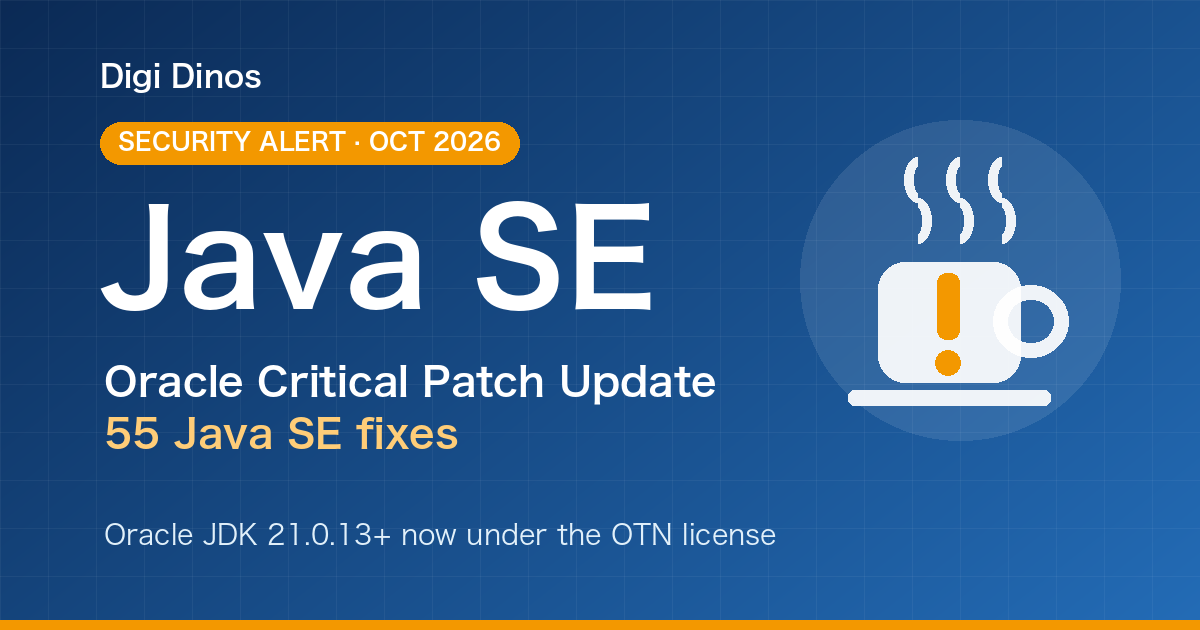
On 21 October 2026 Japan's Information-technology Promotion Agency (IPA) issued an alert, "Oracle Java の脆弱性対策について(2026年10月)" (Oracle Java vulnerability countermeasures, October 2026). It follows Oracle's quarterly security update and urges organisations to update promptly, because the impact of an attack could be serious.
Key takeaways
- Find out which Java, and which version, runs on your systems and PCs.
- Update to the latest release (or ask your developer to). Older versions not in the list are likely affected too.
- Oracle JDK 21 updates from 21.0.13 are no longer free for production use. Choose between a paid subscription, moving to Java 25, or switching to an OpenJDK build.
- IPA's alert is a recommendation, not a legal duty. But leaving a system that handles customer data unpatched is a serious risk.
55
Java SE fixes
49
exploitable remotely without logging in
7
Java lines listed by IPA (8 to 27)
Two terms in plain words
Java is a platform for running business systems and web services. It is widely used in Japanese companies, from banking and logistics to in-house systems.
A vulnerability is a weak spot in software that an attacker could use to break in.
What the IPA alert (October 2026) says
On 20 October 2026 (US time) Oracle published its quarterly Critical Patch Update (CPU). It contains 55 fixes for Oracle Java SE, 49 of which may be exploitable over a network without logging in.
IPA warns that exploitation could crash applications or let an attacker take over a computer. The versions IPA lists as affected are:
| Line | Versions listed as affected | Action |
|---|---|---|
| Java SE 27 | 27 | Update |
| Java SE 26 | 26.0.2 | Update |
| Java SE 25 | 25.0.4.1 | Update |
| Java SE 21 | 21.0.12.1 | Update |
| Java SE 17 | 17.0.20.1 | Update |
| Java SE 11 | 11.0.32.1 | Update |
| Java SE 8 | 8 Update 503, 8 Update 503-perf | Update |
Older versions are not safe either
Oracle does not test versions that are out of support, but says that older versions are likely affected by the same vulnerabilities.
IPA's alert is a recommendation, not a legal requirement. Still, if a system handles customer data, leaving it unpatched is a serious risk.
Five steps to check your Java and act
- Find out whether you use Java
It may be inside a business system, a web service or packaged software. If you are not sure, the quickest way is to ask your developer or maintenance provider: "Do we use Java? Which version?"
- Check the version and vendor
On a server or PC, the command
java -versionshows the version. "Java(TM) SE" means Oracle's build. "OpenJDK" usually means a build distributed by another vendor. - On PCs, use MyJVN
IPA's page also points to "MyJVN バージョンチェッカ" (MyJVN Version Checker), which checks the versions of software installed on a PC.
- On Oracle JDK, check the licence
If you use Oracle's Java 21 or similar at work, check the change to the licence for updates (next section).
- Update to the latest release
Check that everything works in a test environment, then update production. On PCs where nobody uses Java, removing it is the safest option.
Watch out: Oracle JDK 21 updates are no longer free for production use
This update also brings a licensing change. Based on Oracle's information, here is the path for a company that has been running Oracle JDK 21 in production for free.
Licence caveat
The OTN licence allows free personal use, development and testing, but production use in a business generally requires a paid Oracle subscription. Updates for Oracle JDK 8, 11 and 17 are already under the same OTN licence.
| Oracle JDK | Licence for updates | Production use in a business |
|---|---|---|
| 8, 11, 17 | OTN | Paid subscription, generally |
| 21 | NFTC up to 21.0.12, OTN from 21.0.13 | Paid from 21.0.13, generally |
| 25 | NFTC (updates until September 2028, planned) | Free |
NFTC (No-Fee Terms and Conditions) allows free use, including in production. OTN generally requires a paid subscription for production use.
Confirm the terms with Oracle
Check licence terms carefully. IPA itself advises asking Oracle directly about licensing and support.
Which path fits you?
Oracle subscription
Keep your current version and receive Oracle's updates.
Suits you if you cannot change versions quickly or need Oracle support.
Move to Oracle JDK 25
Free-use terms for longer (planned until September 2028).
Suits you if you are on 17 or 21 and can test the move.
Switch to OpenJDK
Use a free distribution such as Eclipse Temurin or Amazon Corretto.
Suits you if you want to keep costs down. Check the provider's support period too.
Doing nothing is not recommended
The fixes are not applied, and the weaknesses stay open.
Oracle Java support dates
Oracle's paid support periods are below. The versions used for the long term are the "LTS" (long-term support) releases.
| Version | Premier Support | Extended Support |
|---|---|---|
| Java 8 | Ended March 2022 | Until December 2030 |
| Java 11 | Ended September 2023 | Until January 2032 |
| Java 17 | Ended September 2026 | Until September 2029 |
| Java 21 | Active until September 2028 | Until September 2031 |
| Java 25 | Active until September 2030 | Until September 2033 |
These periods apply if you have an Oracle contract. Without one, the licensing points above also apply.
The key dates on a timeline:
- Java 17 Premier Support ends. The last Oracle JDK 21 update under the free NFTC terms is 21.0.12
- Oracle publishes its Critical Patch Update: 55 Java SE fixes. Oracle JDK 21 moves to the OTN licence from 21.0.13
- IPA issues its alert on Oracle Java
- Java 21 Premier Support ends. Free NFTC updates for Oracle JDK 25 are planned to end
- Java 17 Extended Support ends
- Java 8 Extended Support ends
Support dates for Node.js, Python, .NET and server operating systems are collected in our guide to securing legacy systems. For the Node.js update of the same week, see the Node.js security release.
What upgrading from Java 8 or 11 involves
An update within the same line (e.g. 21.0.12 → 21.0.13) is a relatively small job. Moving from Java 8 to 17, 21 or 25 can take more work, for these reasons:
Removed features
Java 11 dropped Java Web Start and some standard modules such as JAXB.
Frameworks must move too
Spring Boot 3, for example, needs Java 17 or later, and package names changed (javax → jakarta).
Testing is needed
Screens, reports and links to other systems all need checking so everyday work runs as before.
Time and cost vary widely with the size and age of the system, so start with an assessment to see the whole picture.
Leave it, or act?
If you leave it as it is
- The 55 fixes are not applied and the weaknesses stay open
- On an old Oracle JDK 21 release, you receive no further fixes
- You end up investigating in a hurry after something happens
If you check version and licence, then act
- This round of fixes closes the weaknesses
- You keep running in production with no licence worries
- The next upgrade can be planned calmly
Questions to ask your developer or maintenance provider
- Which vendor's Java, and which version, does our system use?
- When can you apply the October 2026 update?
- If we use Oracle JDK, is our current licence still fine?
- How much work would moving to Java 25 or OpenJDK be?
- Are any of our frameworks or libraries out of support?
Common situations
The builder cannot be reached
First check that you hold the source code, server logins, and domain and cloud account details. With these, another company can take over and investigate.
No documents, no one knows
This is common with long-running Java systems. Reading the code shows what the system does, and the features and business flows can be documented again.
The person in charge has left
Simply noting which screens are used, by whom and for what work makes a handover much smoother.
How Digi Dinos can help
Digi Dinos is a software company with offices in Vietnam and Japan. Over eight years we have delivered more than 150 projects, with a Japanese-speaking team.
- Taking over maintenance of existing systems in all major stacks: Java, Node.js, PHP, Python, Ruby, .NET and more.
- Fixing newly published vulnerabilities: when an update like this one appears, we check the impact and apply the fix.
- Full upgrades: Java version, framework, server and operating system.
- No documentation? No problem. Even when the original vendor has gone and nobody understands the business logic, we read the code, rebuild the documentation and propose a complete plan.
- Lifetime warranty: if a defect turns up in anything we worked on, we fix it, with no end date for as long as your maintenance contract continues.
Not sure where your Java stands? Just ask.
From checking version and licence to moving to Java 25 or OpenJDK and planning an upgrade, we guide you in plain terms.
FAQ
Java is installed on a PC but nobody uses it. Do we need to act?
If it is not used, removing it is the safest option. If it is used for work, update it to the latest release.
We use Oracle JDK 21. Do we need a subscription right now?
Releases up to 21.0.12 that you already have stay under their original terms. But to apply this fix (21.0.13 or later) you need a subscription, a move to Java 25 or a switch to an OpenJDK build. Confirm the details with Oracle.
Will our system still work on OpenJDK?
In most cases it runs as is, but to be safe we test in a separate environment before switching production.
How much will it cost?
It depends on the size and age of the system, so we assess it first and then quote.
Related articles
PHP Vulnerability CVE-2026-109618 (PHP2shell): What to Do Now
PHP Upgrade Cost: Moving From PHP 5 or 7 to PHP 8
Taking Over a Legacy System With No Documentation
Node.js Security Release, October 2026: What to Do
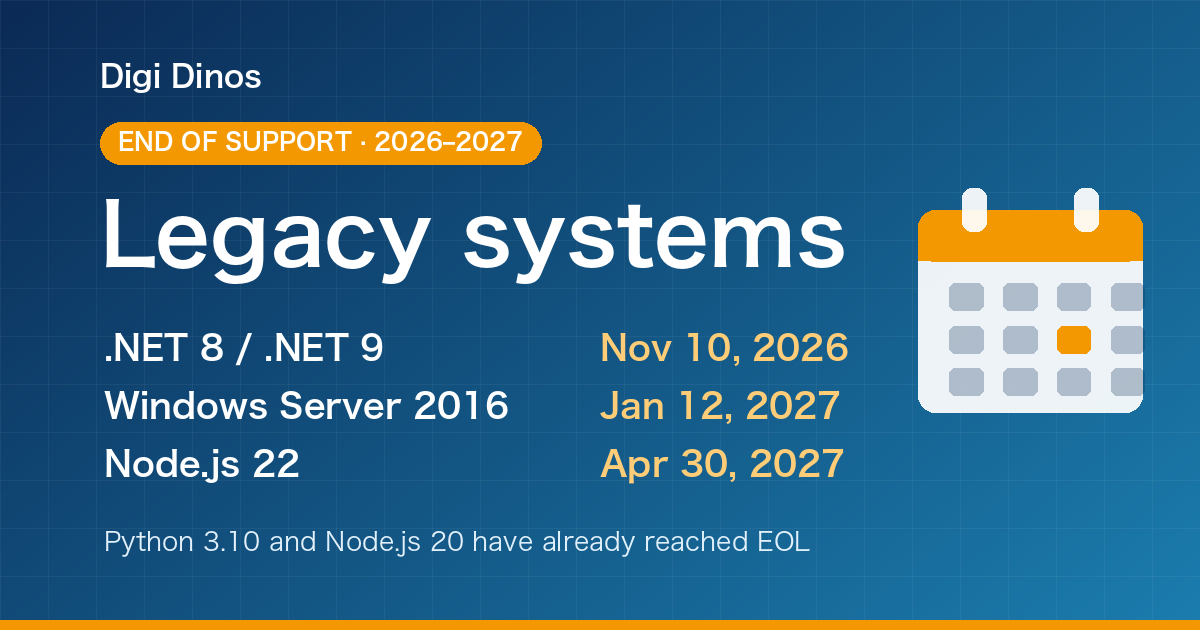
Securing Legacy Systems: Where to Start (2026 EOL Guide)

Superior Features of ChatGPT 4o (4 Omni)

What Is Digital Transformation? Definition, Roadmap and Examples

The Secret to Happiness!

What Is an IT Comtor? Role, Skills and How It Differs from a BrSE