
WordPress CVE-2026-119977: Listed as Exploited, Update Now
Contents9
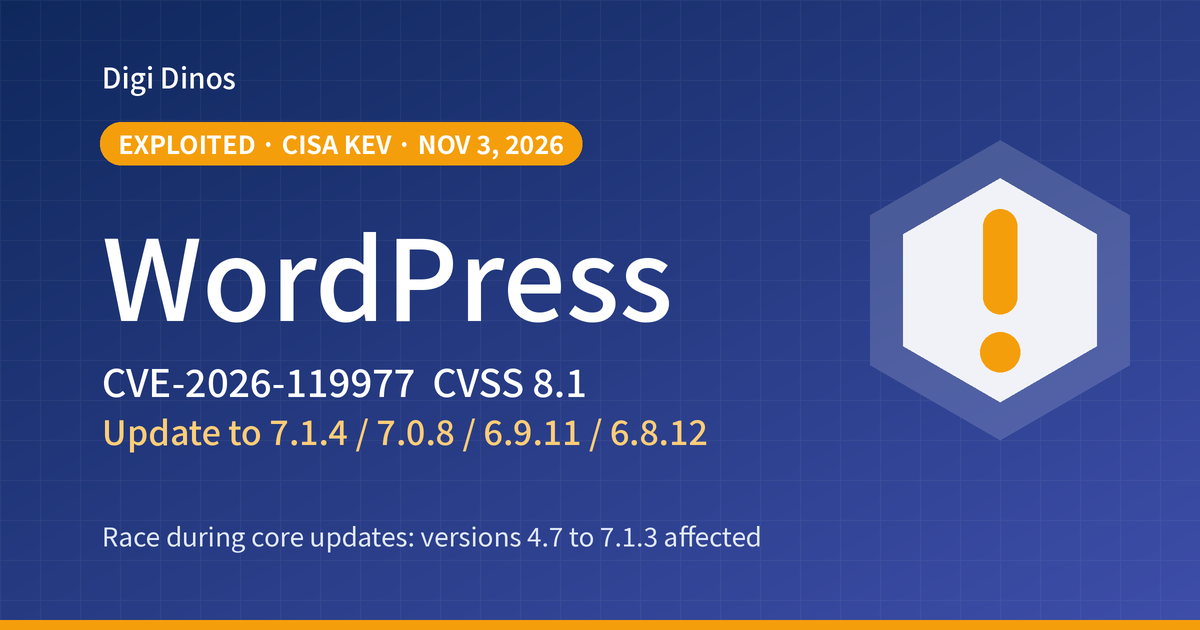
On 3 November 2026 the US cybersecurity agency CISA added CVE-2026-119977, a vulnerability in WordPress itself, to its list of vulnerabilities known to be exploited in real attacks. The fixed version, WordPress 7.1.4, was released on 28 October.
This article is for companies whose website is built on WordPress: what to check first, how to update, and how to look for signs of an attack, step by step. Sites you have left entirely to a web agency are included.
Key takeaways
- WordPress 4.7 to 7.1.3 are affected. Update to the fixed version of your branch (7.1.4, 7.0.8, 6.9.11, 6.8.12 and others).
- The attack only works in the brief window while WordPress itself is being updated. It is a difficult attack, but activity targeting it has already been confirmed.
- Don't put blind faith in automatic updates. Check on screen that you really are on the fixed version.
- There is no fix for 4.6 and older. You need to move to a supported version.
4.7–7.1.3
Affected versions
3 November
Added to CISA's list of exploited vulnerabilities
18,500+
Requests targeting the flaw (reported by Wordfence, in the 21 hours after its protection rule was released)
Terms used here
WordPress = software for building and managing websites and blogs. It is widely used for company websites because it is easy to update without specialist knowledge.
Vulnerability = a weak spot in a system that an attacker can use to get in.
CISA = the US cybersecurity agency. It publishes a list (the KEV Catalog) of vulnerabilities that have actually been used in attacks.
What is the flaw, and why does it matter?
When WordPress updates itself, it first unpacks the new files into a temporary working location called wp-content/upgrade/. The problem was that the name of this location could be predicted in advance, and that on many servers it can be opened from the internet.
The attacker accesses the temporary files in the brief moment between unpacking and deletion. If this succeeds, they may be able to run any code they like on the server, even without logging in. That can lead to damage such as the following.
Website tampering
Fake pages, or tricks that send visitors to suspicious sites, could be planted on your site.
Leak of enquiry data
If names and email addresses received through your forms are stored on the site, they could be stolen.
Misuse of your server
It could be used to send spam, or as a stepping stone for attacks on other sites.
Severity ratings differ
WordPress itself rates this issue "Low". Wordfence, which assigned the CVE number, rates it CVSS 8.1 (High). In test environments the attack window lasts only a few seconds or so, and Patchstack believes a practical attack is difficult.
However, in the 21 hours after its protection rule was released, Wordfence observed more than 18,500 requests targeting the temporary files. What has been reported are attack attempts. In reports as of 3 November, no successful takeover has been made public. Even so, now that CISA has added it to the list, this is not something to put off.
Affected versions and where to move
WordPress has provided fixes for older branches too, as far back as 4.7. First, check which branch your site is on.
| Branch | Affected versions | Fixed version |
|---|---|---|
| 7.1 | 7.1.0–7.1.3 | 7.1.4 |
| 7.0 | 7.0.0–7.0.7 | 7.0.8 |
| 6.9 | 6.9.0–6.9.10 | 6.9.11 |
| 6.8 | 6.8.0–6.8.11 | 6.8.12 |
| 6.7 | 6.7.0–6.7.10 | 6.7.11 |
| 6.6 | 6.6.0–6.6.10 | 6.6.11 |
| 6.5 | 6.5.0–6.5.13 | 6.5.14 |
| 6.0–6.4 | Affected | 6.4.14 / 6.3.14 / 6.2.15 / 6.1.16 / 6.0.18 |
| 5.0–5.9 | Affected | 5.9.20 / 5.8.19 / 5.7.21 / 5.6.23 / 5.5.24 / 5.4.25 / 5.3.27 / 5.2.30 / 5.1.28 / 5.0.31 |
| 4.7–4.9 | Affected | 4.9.35 / 4.8.34 / 4.7.39 |
| 4.6 and older | No fix | Move to a supported version |
※ WordPress actively supports only the latest version. Treat fixes for older branches as a stopgap; if you can, we recommend going up to 7.1.4.
※ Sites that have not been updated for a long time may also still have other vulnerabilities that were fixed in July 2026 (CVE-2026-60137 / CVE-2026-63030, known as wp2shell, severity 9.8).
Timeline
- WordPress releases 7.1.4 and urges everyone to update right away. Fixes are also provided for branches as far back as 4.7
- WordPress publishes details of the issue (rated "Low")
- Wordfence publishes it as CVE-2026-119977 (CVSS 8.1)
- CISA adds it to the Known Exploited Vulnerabilities list
Six steps to check and respond
- Find out who manages your site
Is it someone in-house, a web agency or a maintenance company? If you don't know, look for your server contract or emails from when the site was built.
- Check the version
Sign in to the admin screen and open "Dashboard" → "Updates" in the left menu to see the current version. If you can use commands,
wp core versionalso shows it. - Take a backup
Before updating, save both the site's files and its database.
- If you can, block outside access to the working location
The update to 7.1.4 is itself carried out by the old version's code. It is safer to deny access to
/wp-content/upgrade/in your server settings before updating. If you are not confident with the settings, leave this step to someone who knows servers. - Update to the fixed version, then check the version again
Go to "Dashboard" → "Updates" → "Update now". Even if automatic updates are turned on, always check on screen that the site is on the fixed version.
- Look for signs of an attack
Go through the checklist below. If anything looks wrong, change the administrator passwords and consult a specialist company.
How to look for signs of an attack
Neither WordPress nor Wordfence has published definitive markers such as the attackers' IP addresses. Check the following, focusing on the date and time when the update of WordPress itself ran.
- Does your access log show requests to PHP files inside
wp-content/upgrade/(especiallysetup-config.php)? - Inside
wp-content/upgrade/, are there any PHP files you don't recognise, or awp-config.php? - Are there any administrator accounts you don't recognise?
- Are there plugins you don't remember installing, or PHP files you don't recognise?
A single request in the log does not necessarily mean someone got in. Treat it as one clue and judge it together with the other items.
Having a security plugin does not mean you are safe
The traffic from this attack goes straight to the temporary PHP files, so security plugins running inside WordPress may not see it. Wordfence's protection rule also does not reach its free version until 27 November 2026. A plugin is no substitute for updating.
If a web agency looks after your site
Even if a web agency looks after your website, the site belongs to your company. It is worth asking them:
- What version is our WordPress on now? Is it on the fix for CVE-2026-119977?
- Who updates WordPress itself, and how often?
- Do you update plugins and themes too? Are any of them no longer being developed?
- Where are the backups, and when did you last try restoring one?
- Can we also receive the login details for the admin screen and the server?
WordPress runs on PHP. If the PHP on your server is old, see also "What to Do About the PHP Vulnerability", and if you can't reach your web agency, see "Taking Over a Legacy System With No Documentation". A review of an old site as a whole is covered in "Securing Legacy Systems: Where to Start".
Leave it, or act now?
If you leave it
- A flaw confirmed as exploited stays open
- Every update of WordPress itself opens a window for attackers
- Tampering may go unnoticed and harm may spread to your customers
If you update and check for traces
- This flaw is fixed
- Other issues fixed at the same time are resolved too
- You can tell partners and customers it has been dealt with
How Digi Dinos can help
Digi Dinos is a software company with offices in Vietnam and Japan. Over 8 years we have delivered more than 150 projects. Our team works in Japanese.
- WordPress updates and checks: version check, backup, update, check for traces of an attack.
- Taking over maintenance of existing sites: we also review WordPress installations, themes and plugins that are no longer being updated.
- Responding to new vulnerabilities: when a fix like this one comes out, we assess the impact and apply it.
- No documentation? No problem: even when the original vendor is gone and nobody understands the system, we read the code, rebuild the documentation and propose a complete plan.
- Lifetime warranty: if a defect turns up in work we did, we fix it, with no time limit for as long as the maintenance contract continues.
Not sure your website is safe? Free consultation.
From checking the version to updating and looking for traces of an attack, with guidance in Japanese, even if you can no longer reach your web agency.
Frequently asked questions
We have automatic updates turned on. Can we just do nothing?
Most sites receive the fix automatically. But the update may have failed, or may be switched off in the settings. Check the version on the admin screen. The site could also have been attacked while the automatic update was running, so we recommend checking for traces of an attack as well.
We use a rented server. Will the hosting company fix this for us?
It depends on the hosting company. Contracts commonly make server maintenance the hosting company's job and WordPress updates the customer's job. Check your contract and the hosting company's notices.
Will updating break the way our site looks?
An update within the same branch (for example 7.1.3 to 7.1.4) usually has little effect. With old themes or plugins the layout can break, so take a backup, and after updating check your main pages and your contact form.
We are on an old WordPress, 4.6 or older.
No fix is provided. Jumping straight to the latest version can stop the site working, so look into your PHP version, theme and plugins first, then make a plan. If that proves difficult, rebuilding the site may turn out cheaper.
Sources
- WordPress, "WordPress 7.1.4" (28 October 2026)
- WordPress, "GHSA-4w3m-c66w-69mg: A race condition during core updates"
- CISA, "CISA Adds One Known Exploited Vulnerability to Catalog" (3 November 2026)
- Rapid7, "CVE-2026-119977"
- Rescana, "WordPress Core 7.1.4 Fixes an Unauthenticated Upgrade-Window Race RCE" (includes reports from Wordfence and Patchstack)
- Ostorlab, "WordPress Core Upgrade-Window RCE, Fixed in 7.1.4"
- runZero, "WordPress CVE-2026-119977: Find impacted instances"
Related articles

Japan Data Breaches, Oct–Nov 2026: What Companies Should Check
Ivanti Connect Secure Zero-Days: Update Again and Investigate
GitLab CVE-2026-97229 (CVSS 10): Exploited, Patch Now

Linux Kernel Fragnesia (CVE-2026-46300): Exploited, Patch Now
Brotli Vulnerability CVE-2026-111497 (HTTP2Shell): What to Do
PHP Vulnerability CVE-2026-109618 (PHP2shell): What to Do Now
PHP Upgrade Cost: Moving From PHP 5 or 7 to PHP 8
Taking Over a Legacy System With No Documentation
Node.js Security Release, October 2026: What to Do
Java Vulnerabilities, October 2026: IPA Alert and Licence Changes
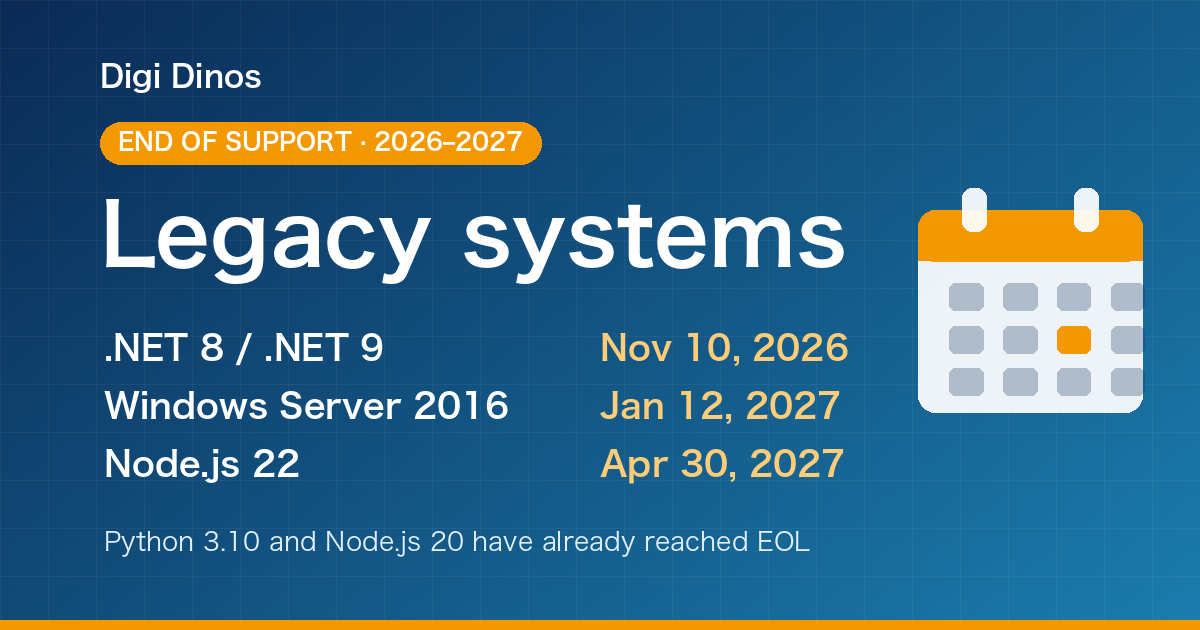
Securing Legacy Systems: Where to Start (2026 EOL Guide)

Superior Features of ChatGPT 4o (4 Omni)

What Is Digital Transformation? Definition, Roadmap and Examples

The Secret to Happiness!

What Is an IT Comtor? Role, Skills and How It Differs from a BrSE