.NET 8 and 9 End of Support on 10 November 2026: What to Do
Contents10
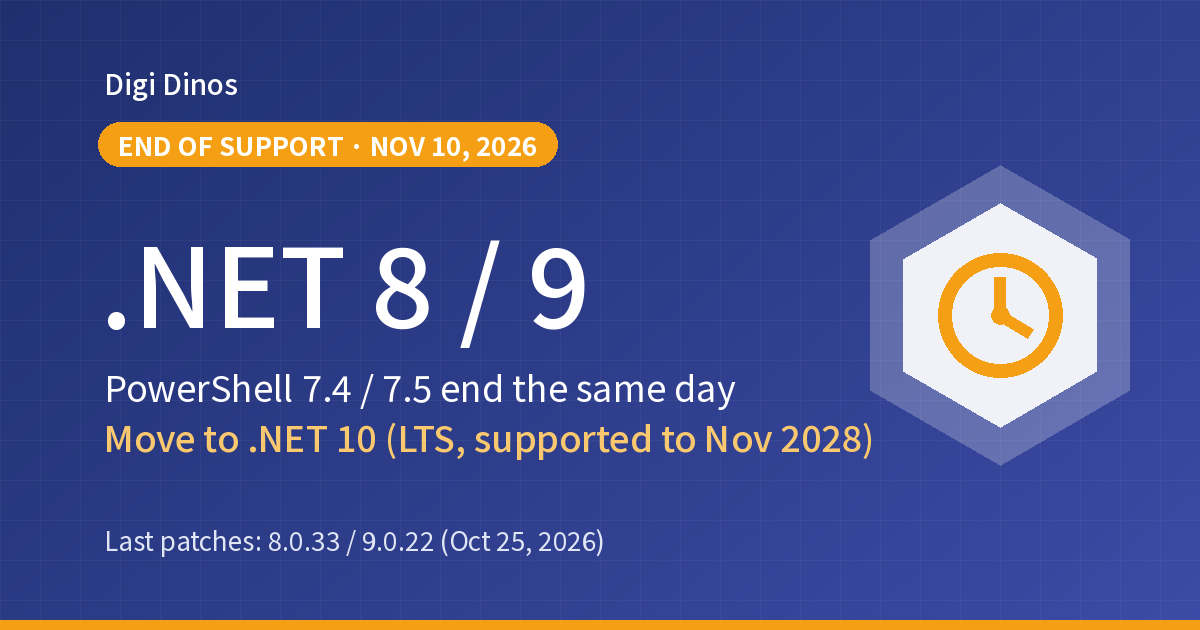
On 10 November 2026 (US time), support for .NET 8 and .NET 9, Microsoft's development platform, comes to an end. After that date, no fixes will be released even if new vulnerabilities are found. Support for PowerShell 7.4 and 7.5 ends on the same day.
This article is for companies that run in-house systems or business applications on .NET: how to check whether you are affected, where to move, and how to go about the migration, step by step. Systems you have left entirely to a development company are included.
Key takeaways
- .NET 8 (LTS) and .NET 9 (STS) both end on 10 November. The last fixes are 8.0.33 and 9.0.22, released on 25 October.
- The standard place to move to is .NET 10 (LTS), supported until 14 November 2028.
- When support ends, your applications will not suddenly stop. However, weak spots found from now on will be left unfixed.
- .NET Framework (4.8, 4.8.1 and so on), which is built into Windows, is not affected this time. The names are similar, so first tell the two apart.
10 November
End of support for .NET 8 and 9 (2026, US time)
8.0.33 / 9.0.22
Last fixes (released 25 October)
November 2028
End of support for .NET 10 (the target)
Terms used here
.NET = Microsoft's foundation for building and running applications. It is widely used for in-house business systems, web services, Windows applications and more.
End of support = the vendor stops releasing fixes (including security updates).
LTS and STS = the two kinds of .NET release. LTS (Long Term Support) receives free fixes for 3 years, STS (Standard Term Support) for 2 years.
Why do .NET 8 and .NET 9 end on the same day?
A new version of .NET comes out every November. Even-numbered versions are LTS (3 years), odd-numbered versions are STS (previously 18 months). Starting with .NET 9, Microsoft extended STS to 2 years, so .NET 8, released in 2023, and .NET 9, released in 2024, both end on the same date, 10 November 2026.
Companies that thought ".NET 9 is new, so we are fine for now" are affected too.
What problems does end of support cause?
Your applications will keep running after 10 November. The trouble is the problems found after that.
Vulnerabilities stay unfixed
.NET releases fixes almost every month. Weak spots found after support ends will remain unfixed.
Flagged in partner reviews
In security checks and audits, "Are you using any software that is out of support?" is a common question.
Harder to update components
The components your application uses (NuGet packages) may stop supporting older .NET in their new versions.
What is affected, and where to move
| Product | End of support | Status | Move to |
|---|---|---|---|
| .NET 8 (LTS) | 10 November 2026 | Ending soon | .NET 10 |
| .NET 9 (STS) | 10 November 2026 | Ending soon | .NET 10 |
| .NET 7 / .NET 6 | May / November 2024 | Ended | .NET 10 |
| .NET 10 (LTS) | 14 November 2028 | Supported | — |
| PowerShell 7.4 (LTS) / 7.5 | 10 November 2026 | Ending soon | PowerShell 7.6 (LTS) |
| Windows 11 23H2 (Enterprise / Education) | 10 November 2026 | Ending soon | 24H2 / 25H2 |
※ Dates are US time. Treat components that ship with .NET, such as ASP.NET Core and Entity Framework Core, as having the same deadline.
※ The next version, .NET 11, is STS and is still at the release candidate stage. For a system you will use for a long time, choosing .NET 10 first is the safe option.
This is not the same as ".NET Framework"
.NET Framework (4.8, 4.8.1 and so on), which is built into Windows, will keep receiving fixes in line with Windows support. What ends now is the newer line called ".NET" that started in 2016 (formerly known as .NET Core).
That said, older systems built on .NET Framework will also need reviewing as Windows Server support ends. For details, see "Securing Legacy Systems: Where to Start".
Timeline
- .NET 8 (LTS) released
- .NET 9 (STS) released
- .NET 10 (LTS) released
- .NET 8.0.33 and 9.0.22 released. The last fixes within the support period
- End of support for .NET 8 and .NET 9 (and for PowerShell 7.4 and 7.5)
How to check whether you are affected
First, list which of your systems run on .NET. You can check in the following ways.
- Check on the server: running
dotnet --list-runtimeslists the .NET versions installed. If you seeMicrosoft.NETCore.App 8.0.xor9.0.x, you are affected. - Check in the source code: if
<TargetFramework>in the project file (.csproj) isnet8.0ornet9.0, you are affected. - If you run in containers: check that you are not using 8.0 or 9.0 images such as
mcr.microsoft.com/dotnet/aspnet:8.0. - If .NET is bundled with the application (self-contained deployment): even if .NET is not installed on the server, .NET 8 or 9 is inside the application. It needs to be rebuilt and redistributed.
- PowerShell:
$PSVersionTable.PSVersionshows the version. If it is 7.4 or 7.5, upgrade to 7.6.
Six steps to migrate
- Make a list of your systems
Using the methods above, write down every system running on .NET 8 or 9. Mark the ones that are open to the outside and the ones that handle personal data.
- Decide the order
Move the systems that are open to the internet first. Systems used only in-house can come after.
- Change the version to .NET 10
Change
TargetFrameworkin the project file tonet10.0, and also upgrade the components you use (NuGet packages) to their new versions. - Check for incompatible changes
Review Microsoft's published list of "breaking changes" for both 9 and 10. If you are moving from .NET 8, the changes in .NET 9 in between apply too.
- Run it in a test environment
Check the main screens, reports, connections with outside systems, overnight processing and so on. If you have no automated tests, put the items to check into a table.
- Switch production over and keep watch
For a while after switching over, keep an eye on error logs and processing speed. Keeping the old environment for a short time, so you can roll back if something goes wrong, gives peace of mind.
If you cannot make it by 10 November
Many companies will probably not finish migrating by the day itself. In that case, what matters is first to update to the last fixes (8.0.33 and 9.0.22), and to decide on a migration plan and deadline and put them on record. Then, when partners ask, you can explain when you will have migrated.
If a development company looks after your system
Even if a development company looks after your system, the system belongs to your company. It is worth asking them:
- Which version of .NET does our system run on? Is it 8 or 9?
- What are your plans for moving to .NET 10, and roughly what cost and time frame?
- Are any of the components we use (NuGet packages) no longer being developed?
- Can we also receive the source code and the procedure for deploying to production?
If you can't reach your development company or no documentation remains, see "Taking Over a Legacy System With No Documentation". If you also have Java or PHP systems, see "Java Vulnerabilities, October 2026" and "What to Do About the PHP Vulnerability" as well.
Leave it, or migrate?
If you leave it
- Weak spots found from now on stay unfixed
- Issues get flagged in partner checks and audits
- The longer you wait, the more component updates pile up and the harder migration becomes
If you move to .NET 10
- You receive fixes until November 2028
- You also get the benefits of the new version, such as performance improvements
- You can tell partners and customers it has been dealt with
How Digi Dinos can help
Digi Dinos supports companies with DX, security, and system operations and maintenance. With offices in Japan and Vietnam, we have delivered more than 150 projects over 8 years. Our team works in Japanese.
- .NET migration: from checking versions to moving to .NET 10, testing and switching production over.
- Taking over maintenance of existing systems: we can take over systems built by other companies, in .NET, Java, PHP and more.
- Operations and monitoring after migration: we watch your servers and cloud 24 hours a day, 365 days a year, and can also apply the monthly fixes.
- No documentation? No problem: even when the original vendor is gone and nobody understands the system, we read the code, rebuild the documentation and propose a complete plan.
- Lifetime warranty: if a defect turns up in work we did, we fix it, with no time limit for as long as the maintenance contract continues.
Not sure whether your system runs on .NET 8? Free consultation.
From checking the version to planning and carrying out the migration, with guidance in Japanese, even if you can no longer reach your development company.
Frequently asked questions
Will our applications stop working after 10 November?
No, they will not stop working. However, vulnerabilities found after that will not be fixed, so the risk keeps growing, especially for systems open to the internet.
Can we move straight from .NET 8 to .NET 10?
In most cases, changing the version setting and updating the components is enough to get it running. However, because you are jumping two versions ahead, you need to check the incompatible changes in between. It takes longer if you use old components or have no tests.
Do systems built on .NET Framework also end on 10 November?
No. .NET Framework 4.8, 4.8.1 and so on will keep receiving fixes in line with Windows support. However, no new features will be added, so for systems you will use for a long time, plan to move to .NET 10 or similar at some point.
Do we need to act if we run in the cloud?
Yes. Even if your cloud servers and services are up to date, you are affected if your application is built on .NET 8 or 9. How older versions are handled differs by service, so also check the notices from your cloud provider.
Related articles
Movable Type Vulnerability JVN#91153973: Update or Mitigate Now
WordPress CVE-2026-119977: Listed as Exploited, Update Now
Japan Data Breaches, Oct–Nov 2026: What Companies Should Check
Ivanti Connect Secure Zero-Days: Update Again and Investigate
GitLab CVE-2026-97229 (CVSS 10): Exploited, Patch Now

Linux Kernel Fragnesia (CVE-2026-46300): Exploited, Patch Now
Brotli Vulnerability CVE-2026-111497 (HTTP2Shell): What to Do
PHP Vulnerability CVE-2026-109618 (PHP2shell): What to Do Now
PHP Upgrade Cost: Moving From PHP 5 or 7 to PHP 8
Taking Over a Legacy System With No Documentation
Node.js Security Release, October 2026: What to Do
Java Vulnerabilities, October 2026: IPA Alert and Licence Changes
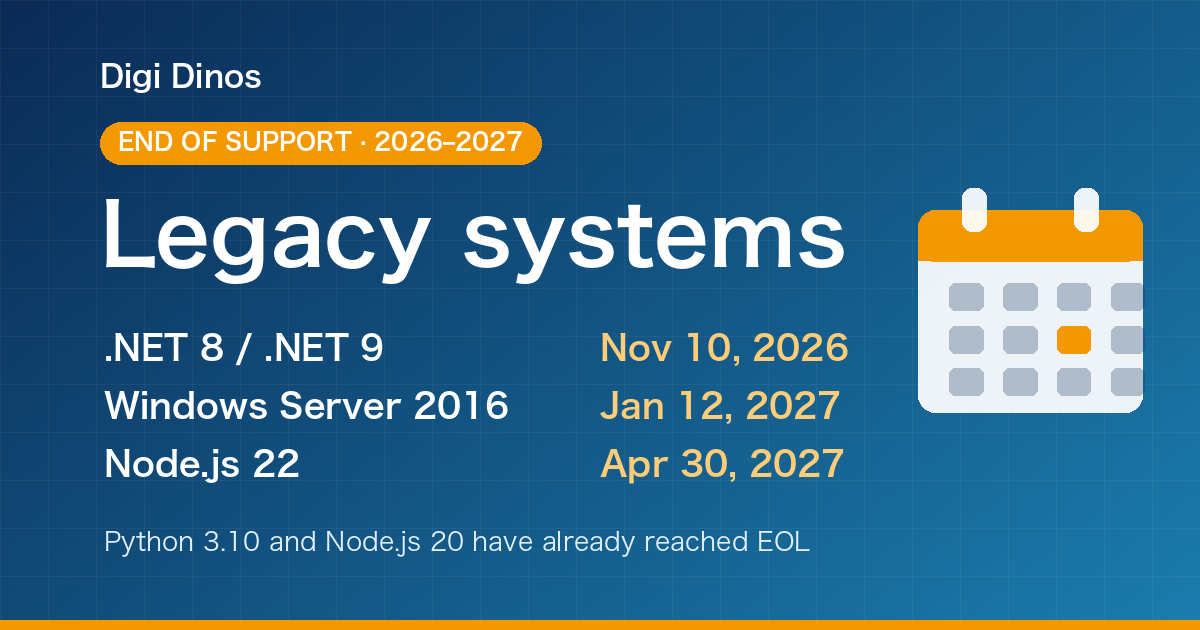
Securing Legacy Systems: Where to Start (2026 EOL Guide)

Superior Features of ChatGPT 4o (4 Omni)

What Is Digital Transformation? Definition, Roadmap and Examples

The Secret to Happiness!

What Is an IT Comtor? Role, Skills and How It Differs from a BrSE